private. essential. Core...
Go-to Android apps,
the way they should be.
No third-party ads. No tracking.
No accounts. No AI inside.
Core
Core Sign
PDF Fill, Markup, & Sign
- Highlight
- Redaction
- Merge and Page Edits
- Encrypted Vault
- Copy or Link Import
- Colored Folders
Core Notes
Encrypted Notes, Alarms, Reminders, & Calendar
- 2-Level Checklists
- Auto-Numbered Lists
- App Lock
- Encrypted Backups
- Guided Import
- Full-Screen Alarms
Core Workout
Interval Timer
- EMOM
- AMRAP
- HIIT
- Tabata
- For Time
- Custom
- Chained Workouts
- Voice Cues
Core Utilities
Level, Measure, Convert, Calculate, Network
- Vectorize
- Strip Metadata
- FTP / SFTP
- Video to GIF/WebP
- Compress & Resize
- Trim Video
- QR Generator

Core Weather
- Hourly and Daily Forecasts
- Dual °F and °C
- Home-Screen Widgets
- Severe Weather Alerts
Core Scan
Document Digitizer
- Adjustable Corners
- ID & Medical Card Mode
- File Size Presets
- OCR
- Multi-Page PDFs
- Reorder & Rotate Pages
- Auto Edge Detection
Core Gallery
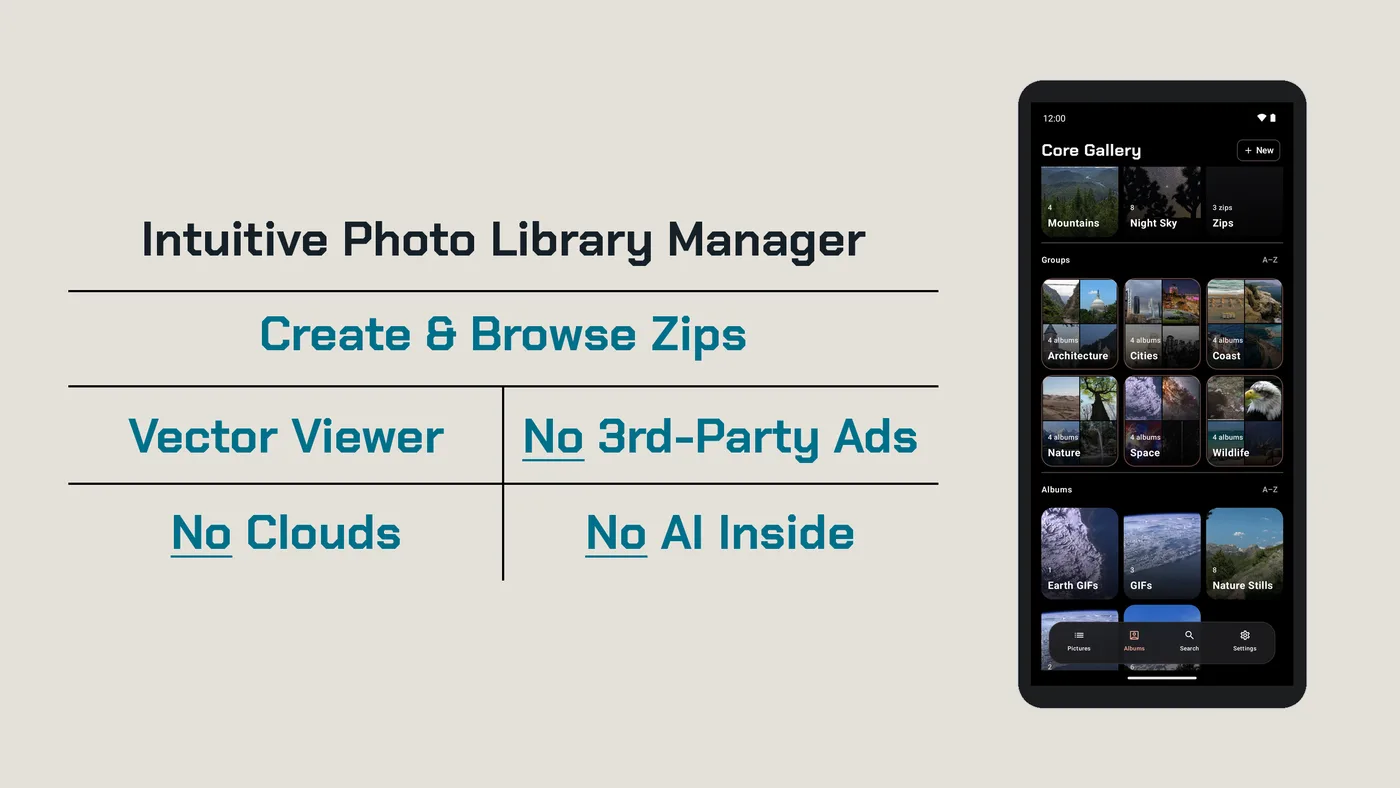
Intuitive Photo Library Manager
- Create Zips
- Browse Zips
- Vector Viewer
- Encrypted Vault
- No AI
- No Cloud
- Duplicate Finder
- Slideshow Widget
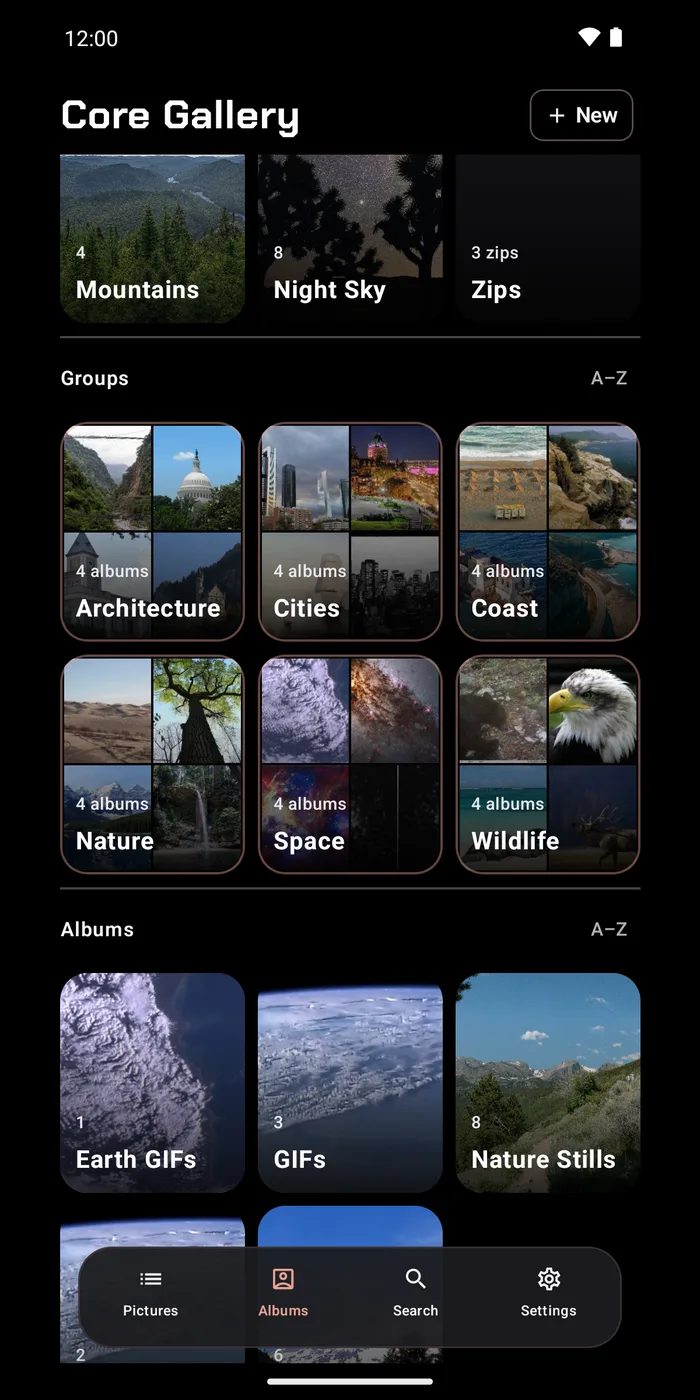
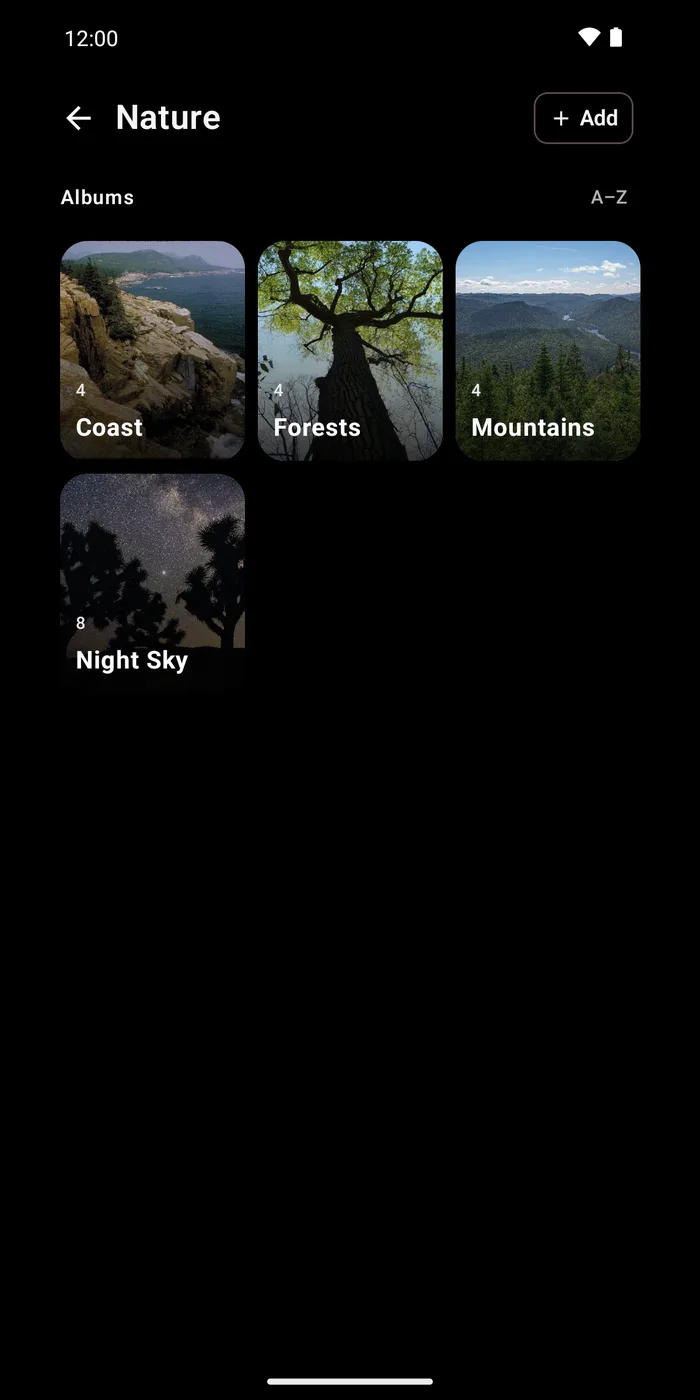
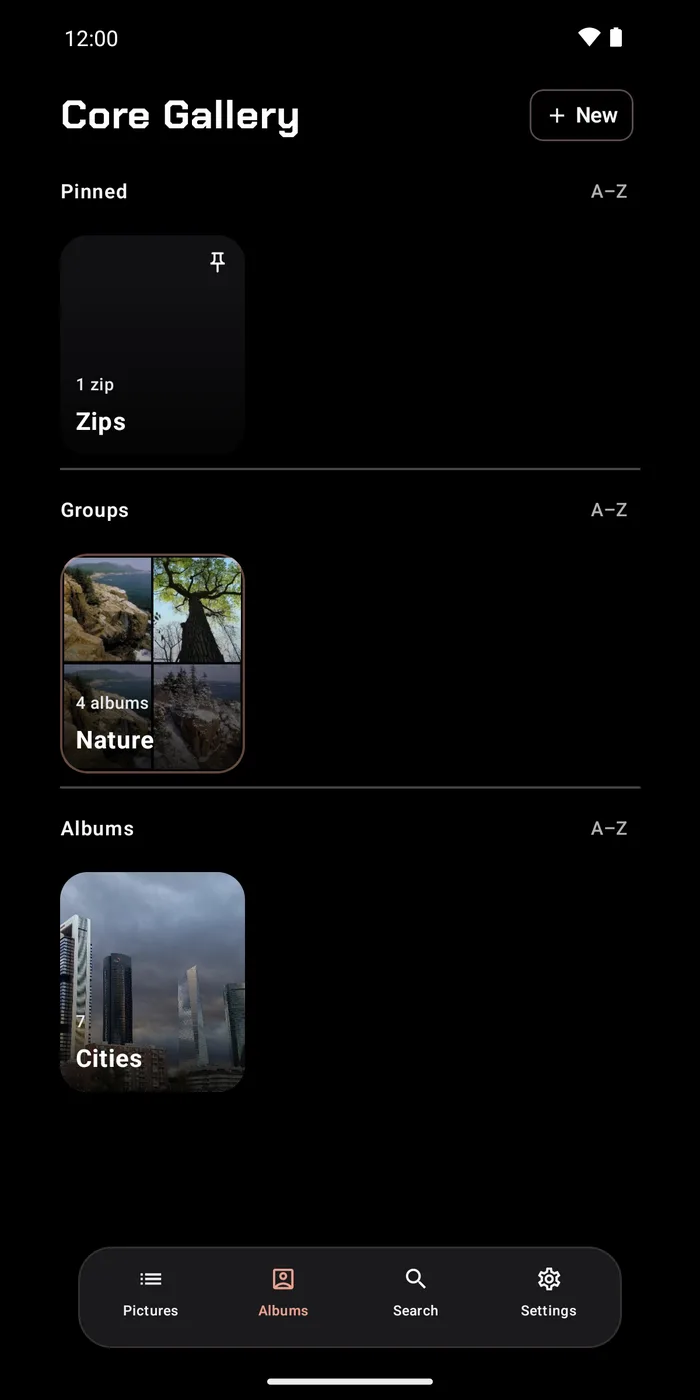
- Album Groups
Core Sign
PDF Fill, Markup, & Sign. No subscription.
Free reader, $9.99 one-time purchase.
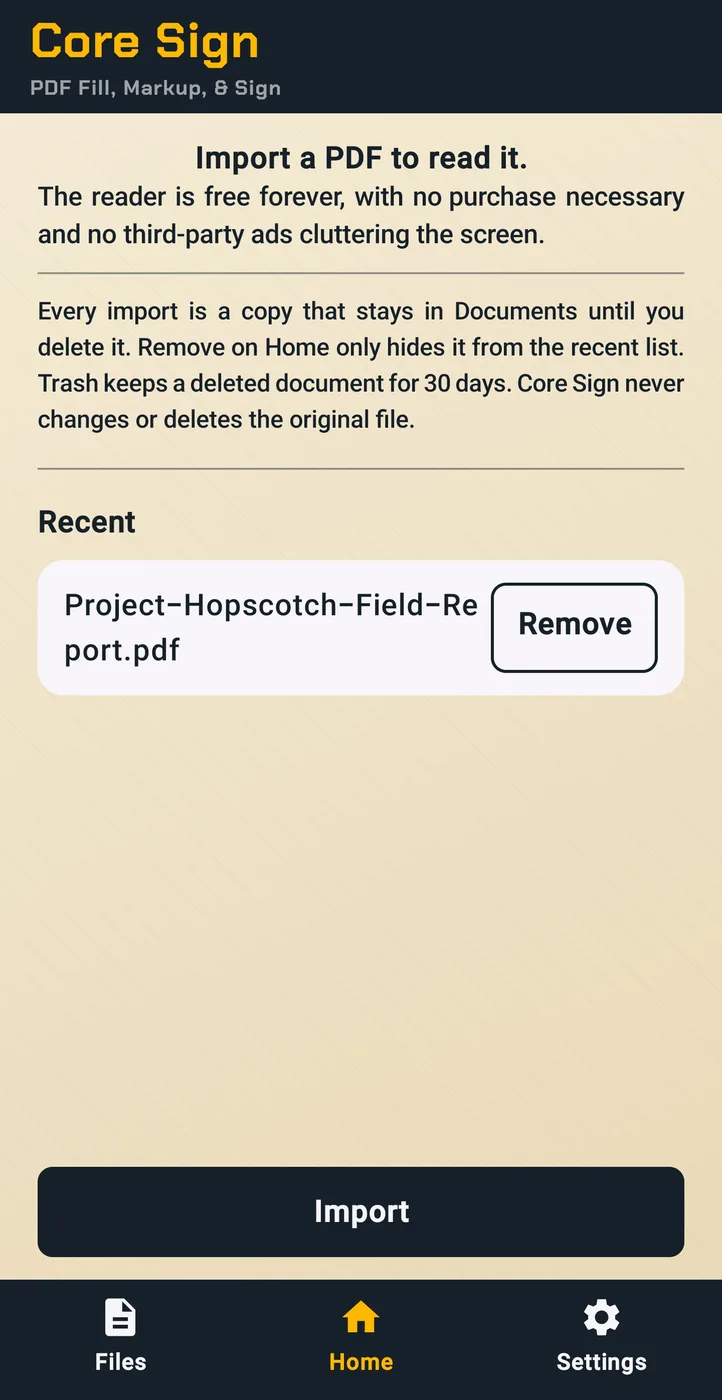
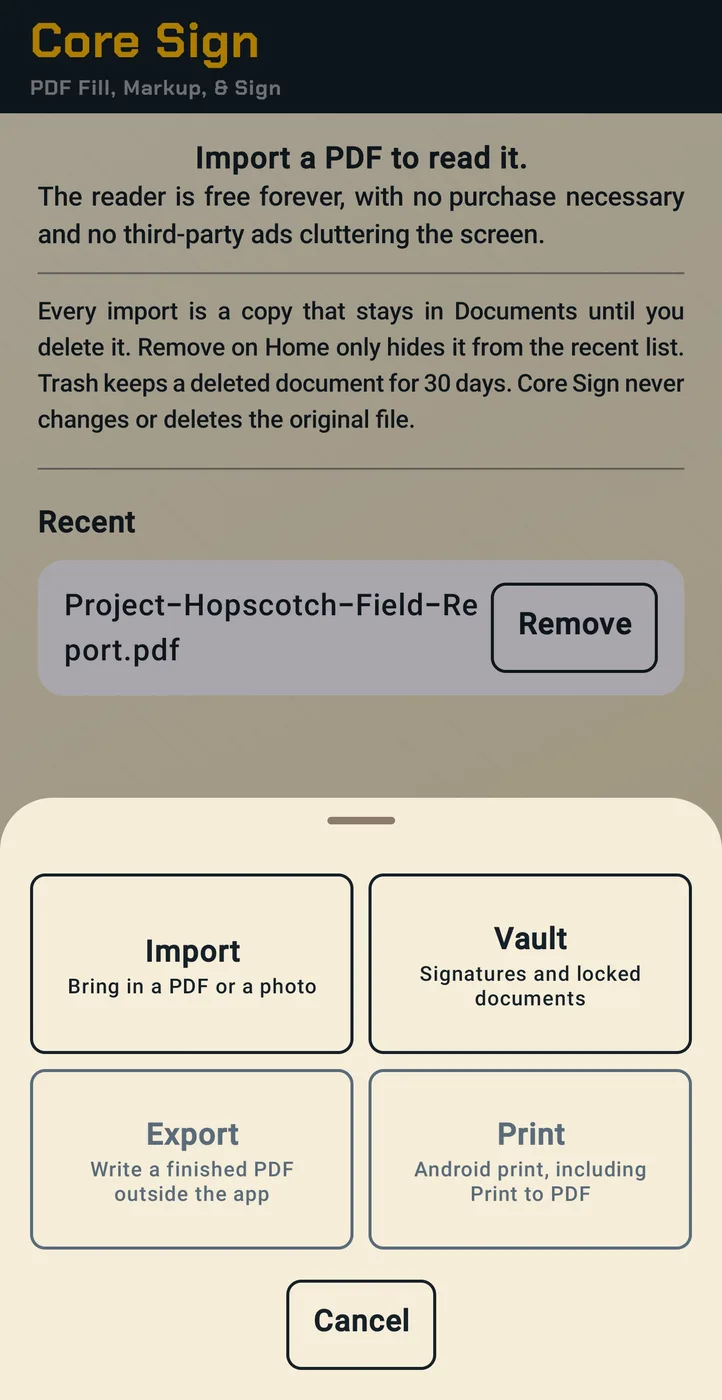
The reader is free forever, and saving, exporting, printing, and sharing your file are never locked.
Import a PDF as a Copy or a Link:
- Copy: Core Sign keeps its own copy, and your original is never changed.
- Link: opens your original where it is. It changes only if you choose Overwrite original, and is deleted only if you choose Delete from device.
Free:
- Read, Save, Split, Export, Print, and Share PDFs
- Import a PDF or a Photo
- Copy Text
- Folders in your own colors, with Move to folder and folder import
Advanced tools:
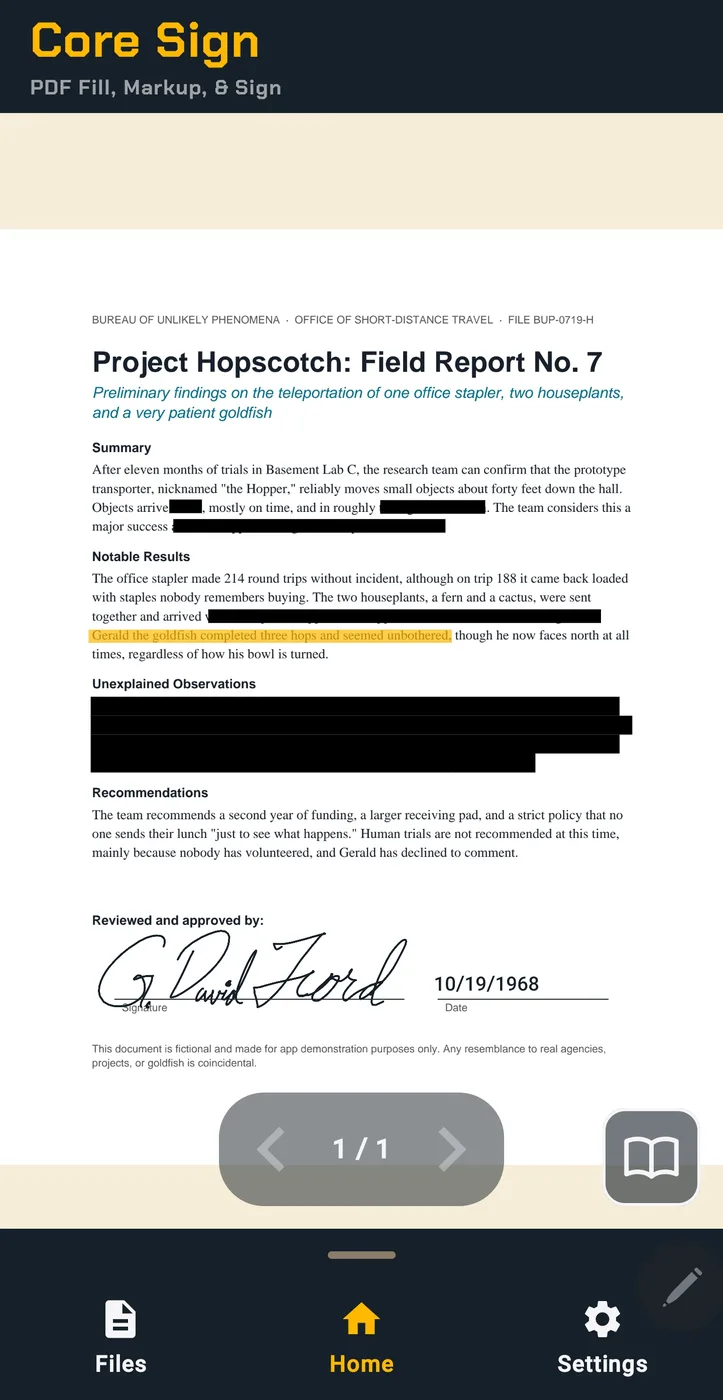
- Fill Forms, Sign, and Initial
- Highlight with Word Snapping, and Redaction, burned in on export so the hidden text is gone from the saved file
- Markup
- Merge and Page Edits
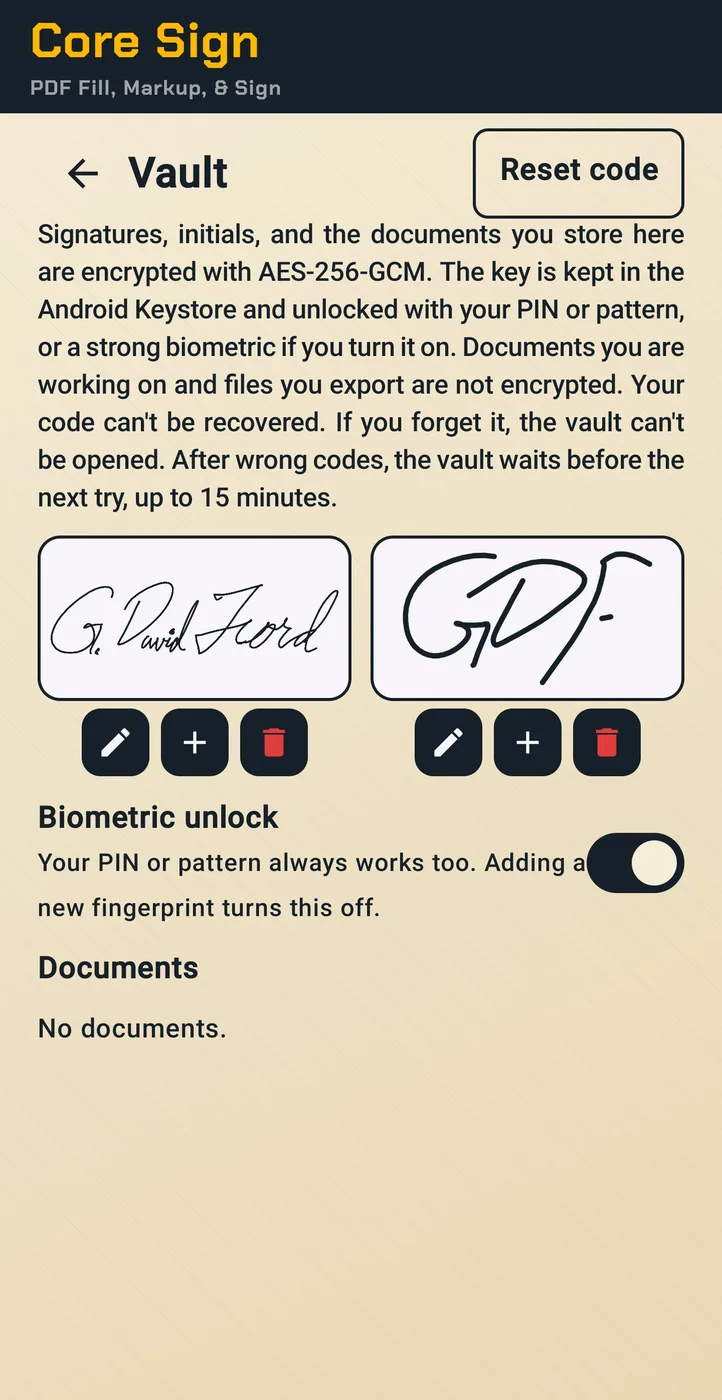
- Encrypted Vault for your signatures and private documents, kept locally on your device: AES-256-GCM, with the key held in the Android Keystore and unlocked by your PIN, pattern, or biometrics
- Tablet Support: runs on Android devices.
Works offline. No third‑party ads. No account. No cloud. No AI inside.
About electronic signatures:
Core Sign places your signature on a PDF on your device. Whether an electronic signature is accepted as official depends on the recipient and on the law where you live. Some documents, such as wills, trusts, and some family-law or notarized papers, may require a handwritten or certified signature. Core Sign does not create EU "qualified" electronic signatures. If you're unsure, ask the person or office receiving the document.

Core Notes
Encrypted Notes, Alarms, Reminders, & Calendar. No 3rd-party ads. No AI inside.
Free, with a $4.99 Calendar & Reminders unlock.
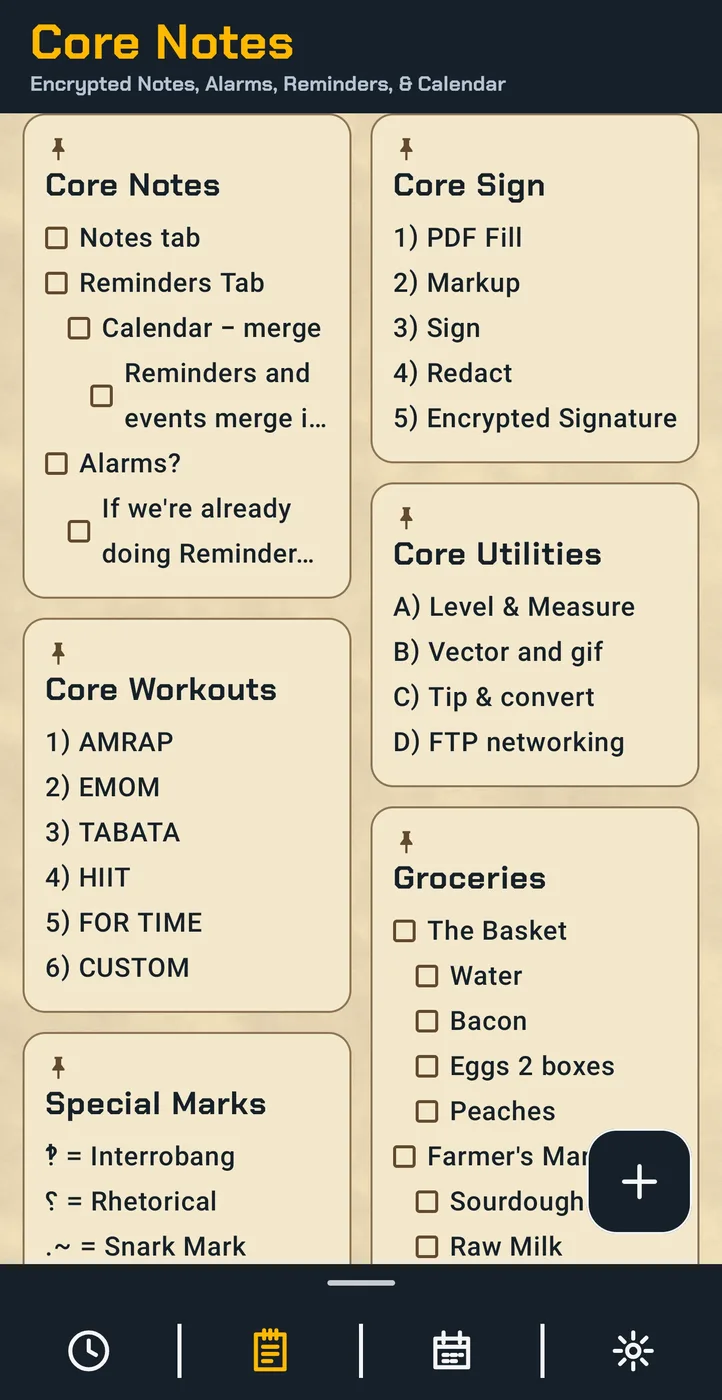
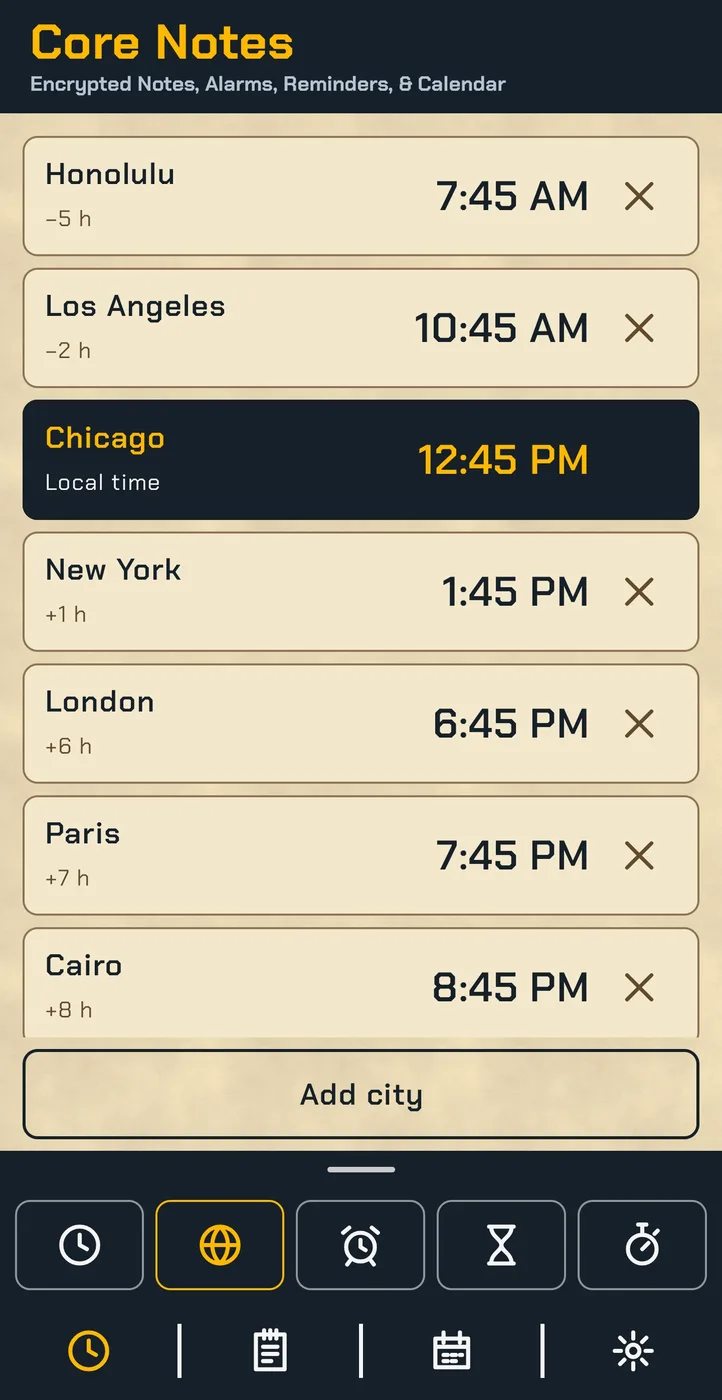
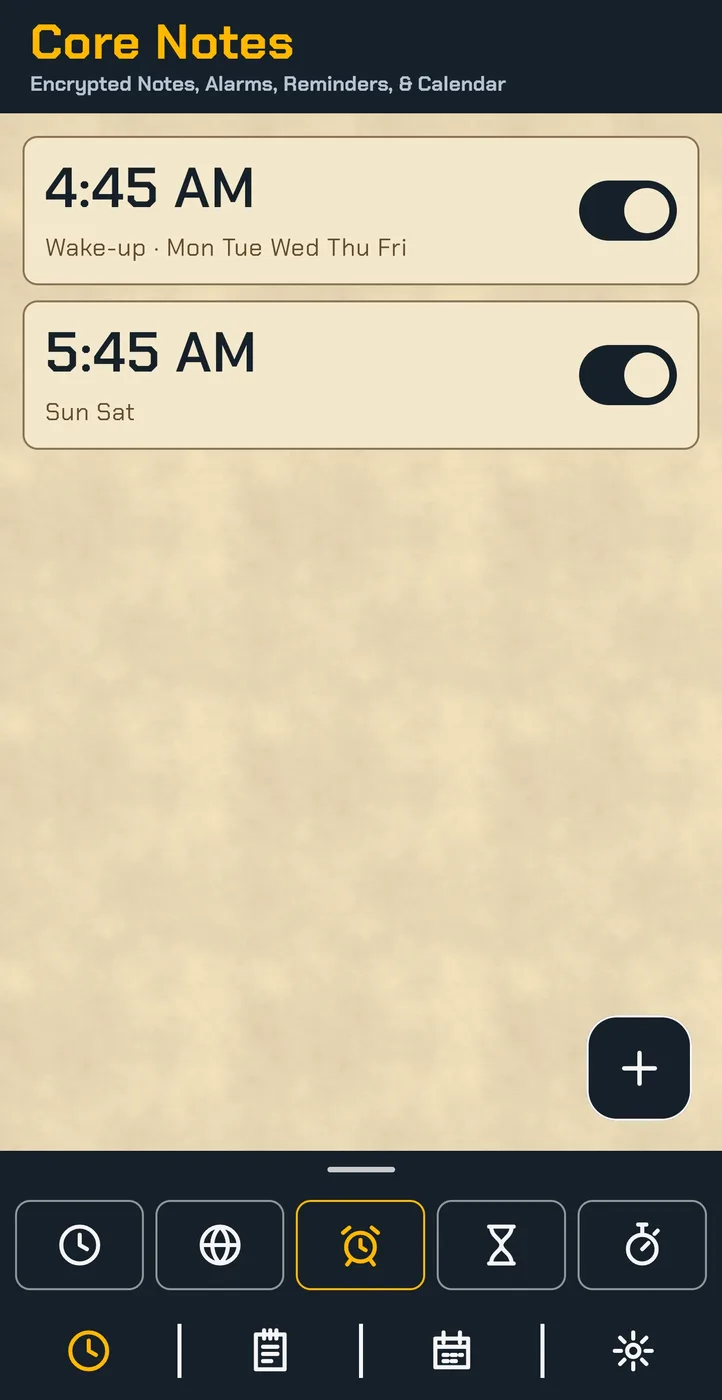
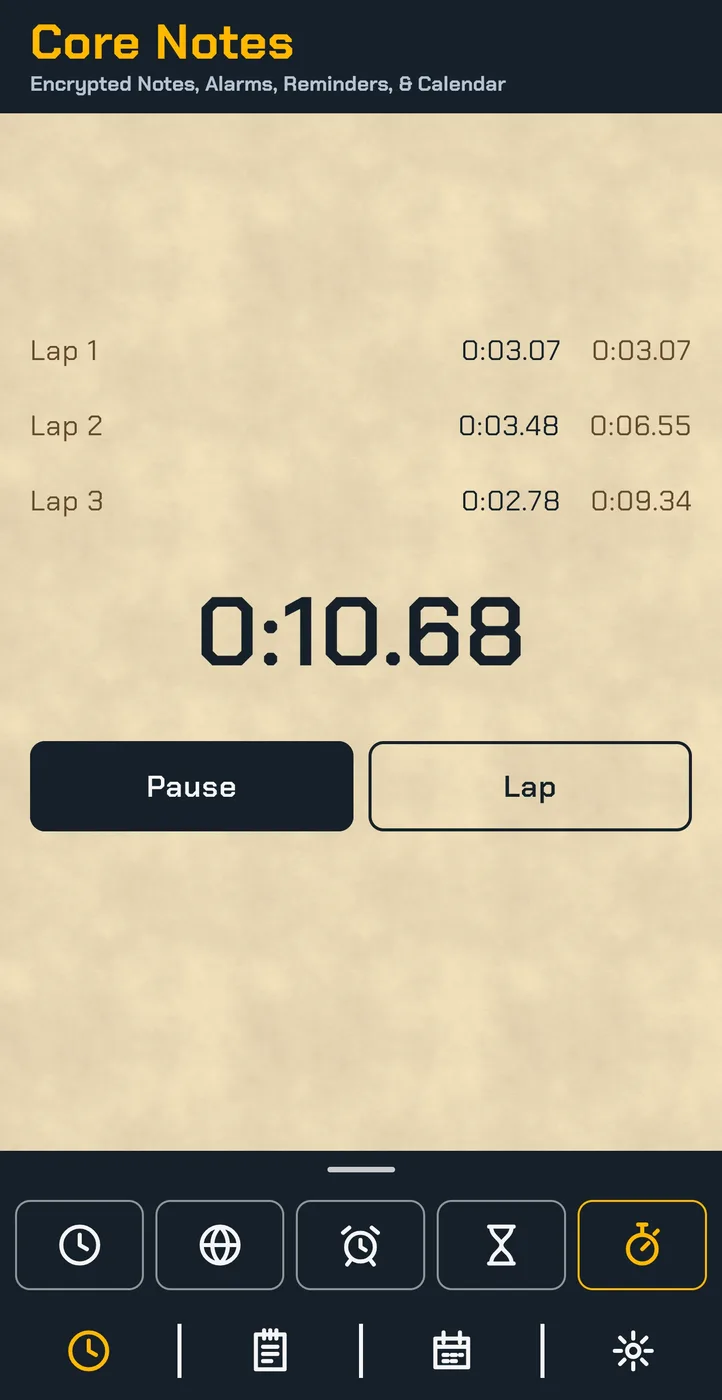
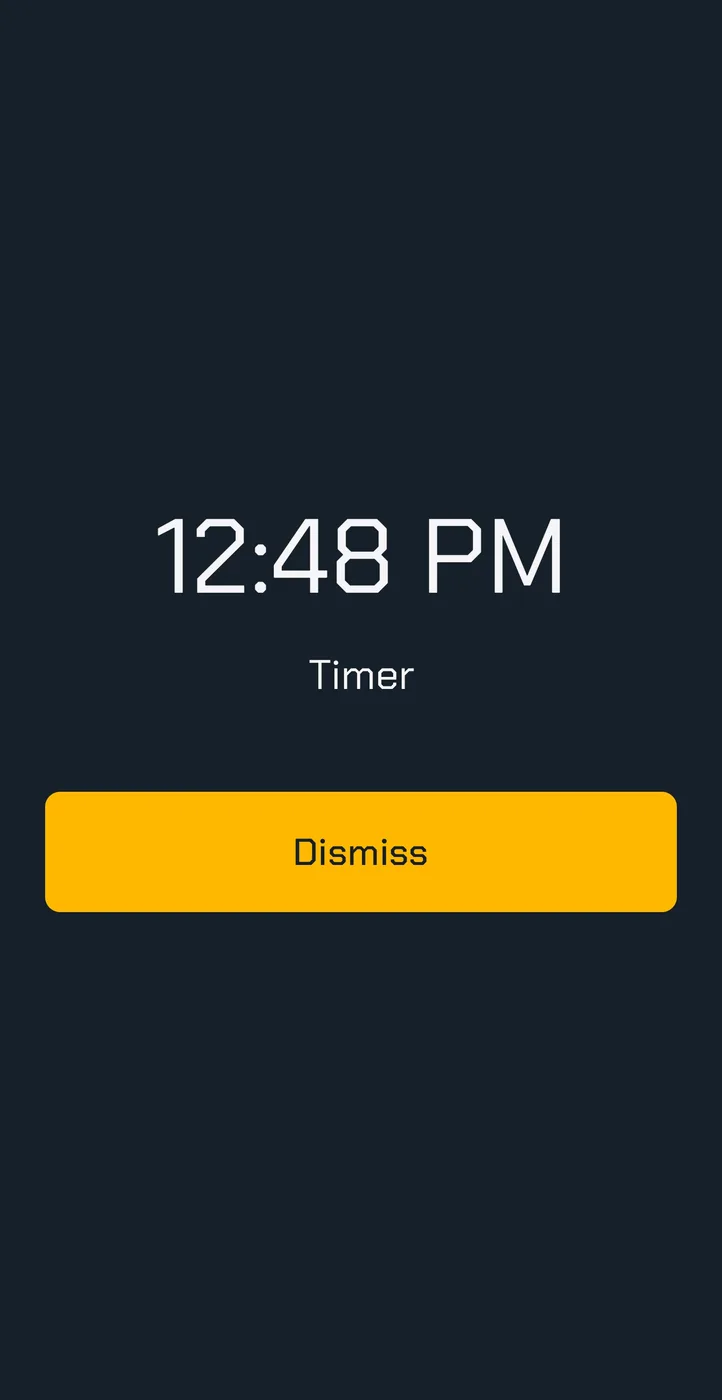
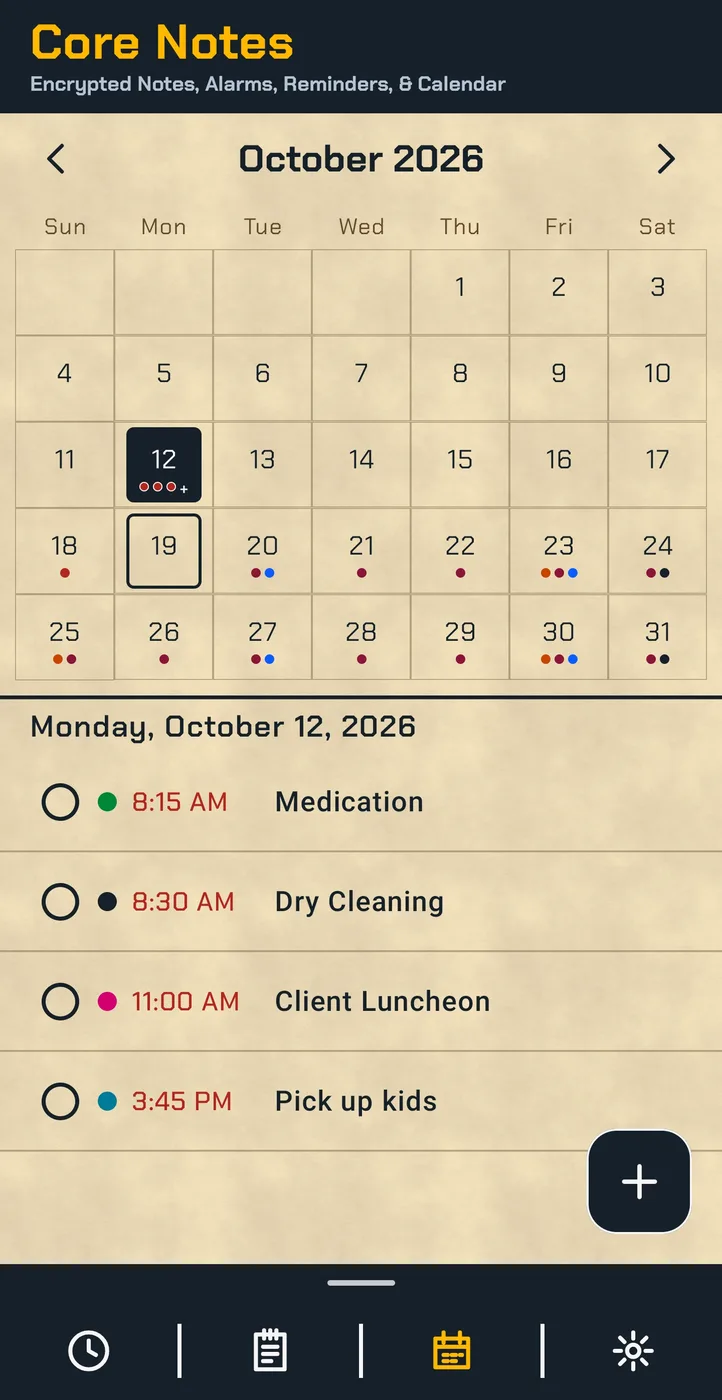
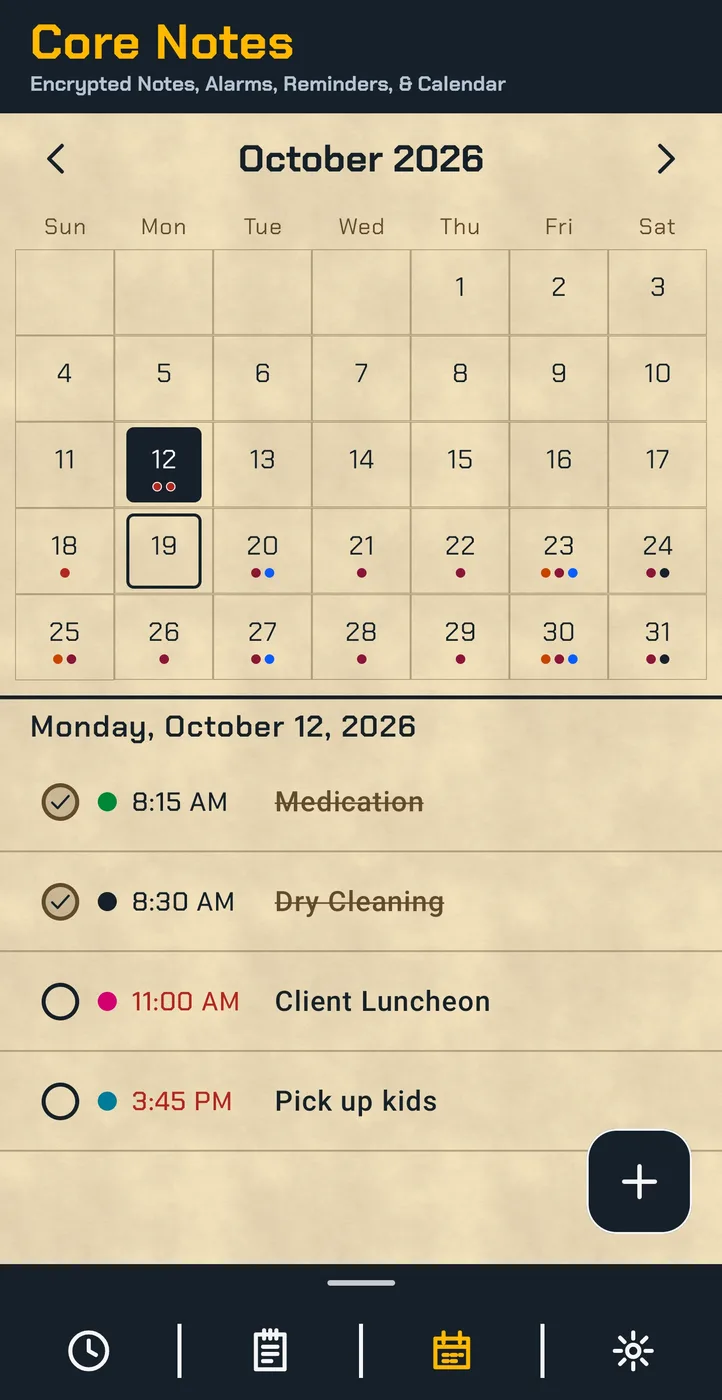
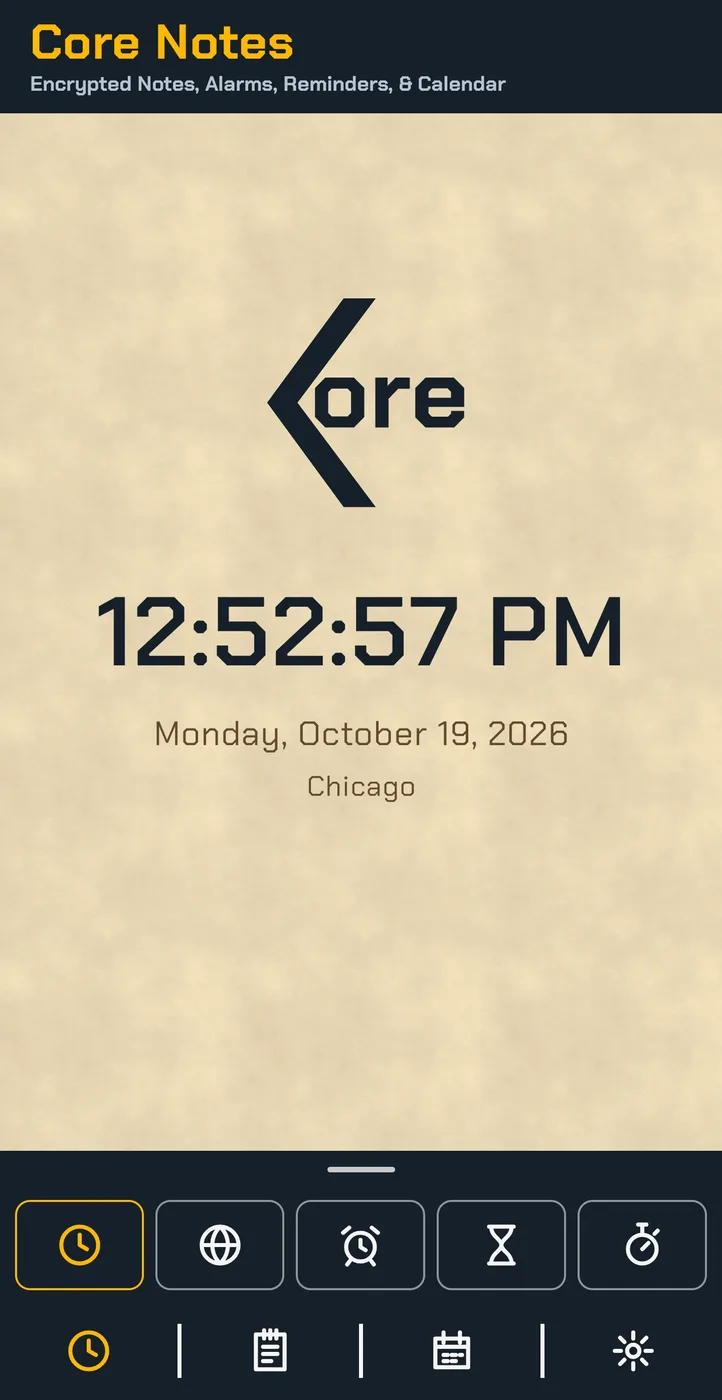
Core Notes keeps your Notes, Alarms, Reminders, and Calendar in one encrypted app on your device. Use it as a simple planner or journal, with no account and no cloud. Notes, Alarms, and Reminders in notes are free.
Works offline, with no internet connection needed.
Notes (free):
- 2-Level Checklists, with sub-items under each item
- Text, Checklist, Photo, Drawing, and Audio Notes, with Formatting
- Auto-Numbered Lists
- Labels, Pins, Archive, and a 30-Day Trash
- App Lock with PIN or Pattern, plus optional Biometric Unlock
- Encrypted Backups with a separate password and Recovery Code
- Export to TXT, Markdown, PDF, PNG, or DOCX
- Guided Import from Google Keep™, Evernote™, Simplenote™, Standard Notes™, and Joplin™, plus Samsung Notes™ and OneNote™ through a Word™ export
- Quick-Note Widgets
Alarms and Clock (free):
- Alarms with Repeat Days and Ring on Silent
- Timer, Stopwatch, and World Clock
Reminders (free):
- One-Time Reminders attached in the notes, with optional Full-Screen Alarms
Calendar & Reminders:
- Month Calendar and Calendar Search
- Repeating Reminders, Early Alerts, and Keep-Reminding
- Calendar Import and Export (.ics files)
- Today and Month Widgets
- Tablet Support: runs on Android devices.
No internet permission. No third‑party ads. No account. No cloud. No AI inside.
Google Keep, Evernote, Simplenote, Standard Notes, Joplin, Samsung Notes, OneNote, and Word are trademarks of their respective owners. Core Notes is not affiliated with them.
Core Workout
Interval Timer
14-day trial, then $4.99 one-time purchase.
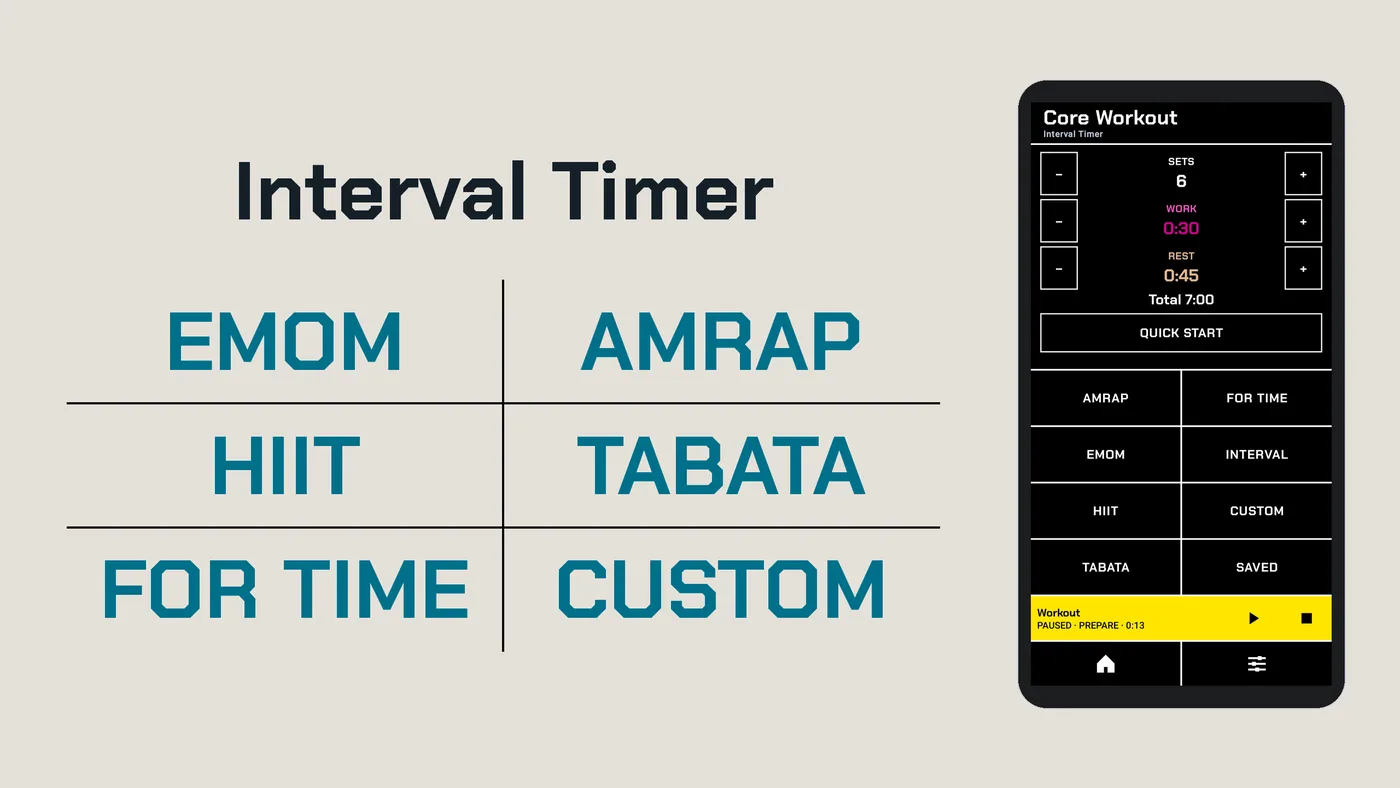
Core Workout is a clear, focused interval timer that runs on your device. Pick a timer from Home and start, or build your own routines and chain them into one longer session. Works offline, with no internet connection needed.
Timers
- EMOM: a new round at the top of every minute
- AMRAP: as many rounds as you can in the time you set
- HIIT and Tabata: ready-made work and rest sets you can adjust
- For Time: the clock counts up while you finish the work
- Interval and Sides: sets of work and rest, with left and right sides that alternate or run in blocks
- Custom: build your own step list with named exercises
Routines and Chained Workouts
- Built-In Presets, plus Saved Routines you name yourself
- Chained Workouts: link presets and routines into one session, with repeats
- Sort by Default, A–Z, or Time
During a Workout
- Voice Cues: Prepare, Work, Rest, Left, Right, and common exercise names, in three voices or simple beeps
- Cues Play Over Your Music, with their own volume, and still sound in silent mode
- Hold to Stop: hold STOP for 2 seconds to end a workout, or let go to keep going
- Notification Controls: pause, skip, or stop from the notification
- Keeps Timing With the Screen Off, with an optional Keep Screen On setting
- Landscape Run Screen, with Stop and Pause on the side you choose
- Vibration Cues
More
- Backup and Restore to a file you keep
- Color or System Theme App Icon
- Tablet Support: runs on Android devices.
No third‑party ads. No account. No AI inside. No Social Features.
Core Workout has no internet permission. Your workouts stay on your device.
By Core Products & Services, LLC.
Tabata refers to the 20-second on, 10-second off interval protocol. Core Workout is not affiliated with or endorsed by Dr. Izumi Tabata or any Tabata trademark owner.
Core Utilities
24 Tools to Level, Measure, Convert, Calculate, & Network. No 3rd-party ads.
No trial, $2.99 one-time purchase.
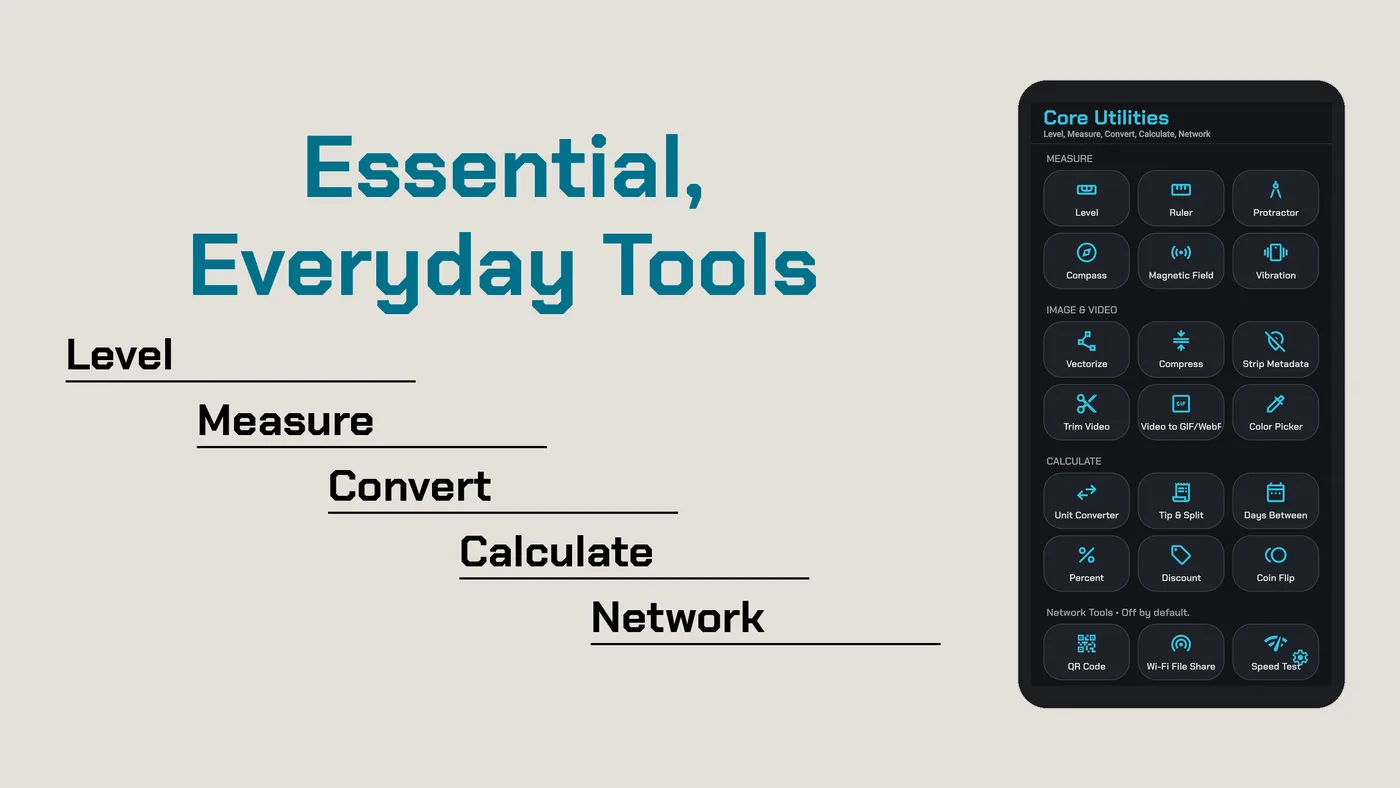
Everyday tools on one screen, working on your device. Every tool works offline except the network tools, which stay off until you turn them on in Settings.
Measure
- Level: bubble level with X and Y angles.
- Ruler: on-screen ruler you calibrate with a standard card.
- Protractor with Inclinometer
- Compass, with true north from a declination you set
- Magnetic Field and Vibration meters, with peak readings
Image & Video
- Vectorize: turn a picture into a crisp SVG drawing, with PNG export up to 4x.
- Compress & Resize: save photos as JPEG, PNG, WebP, or HEIC (where your device supports it), at the quality and size you pick.
- Video to GIF/WebP: make small animated GIFs or WebPs from a video, or convert a GIF to WebP, with frame-rate options for WebP.
- Trim Video: cut a clip and keep its size or save it at 1080p, 720p, or 480p.
- Strip Metadata: remove Exif, XMP, and other hidden details from photos before you share them.
- Color Picker: tap a picture to get HEX, RGB, and HSL values.
Each result is saved as a new file. Your originals are never changed.
Calculate
- Unit Converter: length, weight, volume, area, speed, temperature, data, and time
- Percent: % of, what %, and % change
- Discount, with savings and tax
- Tip & Split
- Days Between
- Coin Flip
Share & Network
- FTP / SFTP File Transfer: share a folder from your device with a computer on the same Wi-Fi™, or connect to your own SFTP or FTP server to upload and download files. Encrypted SFTP is the default, and saved connections stay encrypted on your device.
- Network Speed Test: download, upload, ping, and jitter with the open NDT7 test, run only when you tap Start test. The test uses Measurement Lab (M-Lab) servers, which see your IP address and publish results as open internet research data.
- QR Generator: make QR Code™ symbols for text, links, and Wi-Fi™ networks, styled with dot shapes, gradients, and a center logo, with a built-in scan check. It also reads a QR code from a picture.
Sound & Light
- Sound Meter, Light Meter, and Barometer
- Tablet Support: runs on Android devices.
No third‑party ads. No account. No AI inside.
Wi-Fi is a trademark of its respective owner. Core is not affiliated with it.
QR Code is a registered trademark of DENSO WAVE INCORPORATED. Core Utilities is not affiliated with DENSO WAVE.
Core Weather
Free forever.
No needless permissions. No account. No analytics.
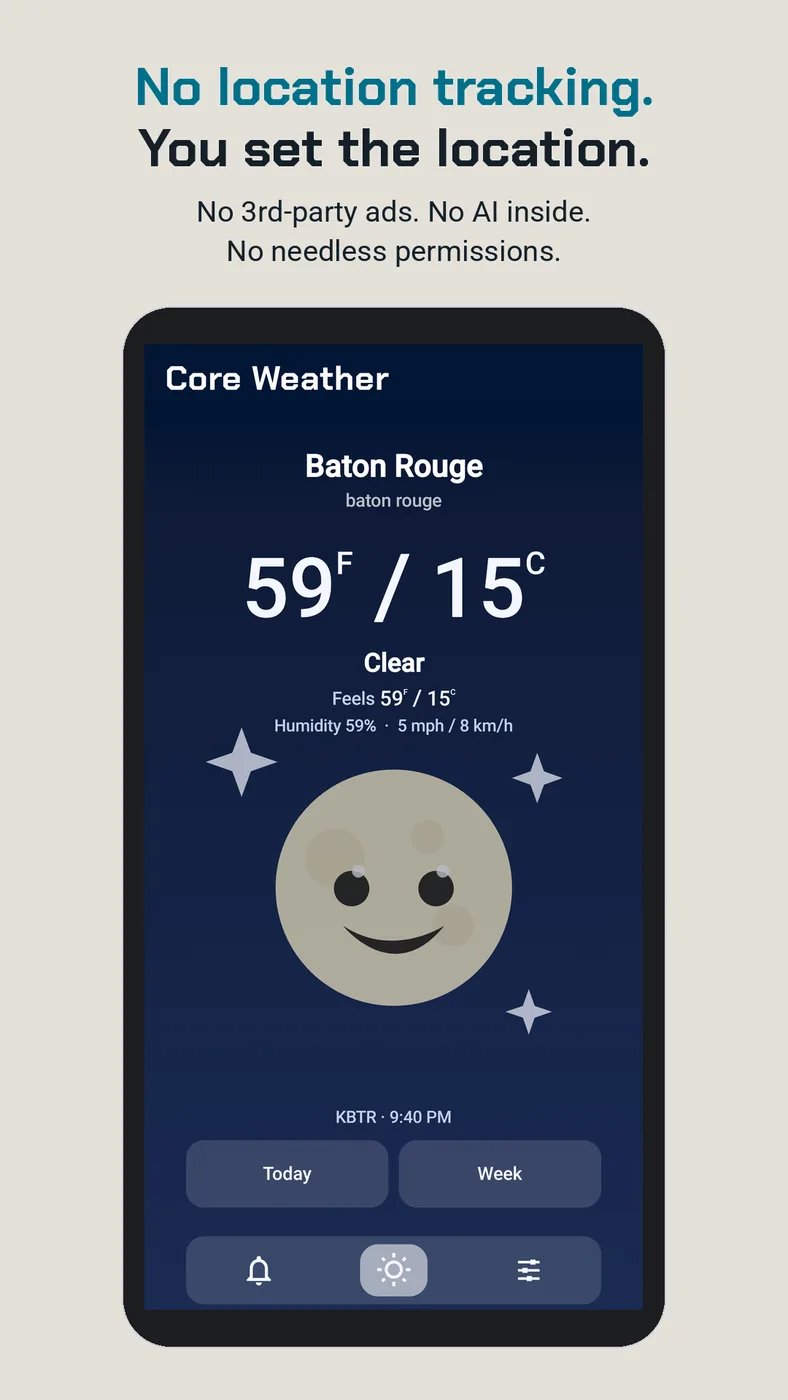
A free, simple weather app with no radar, news, or extra buttons. Type a city or postal code anywhere in the world, or tap Detect once when you travel. Detect never runs in the background.
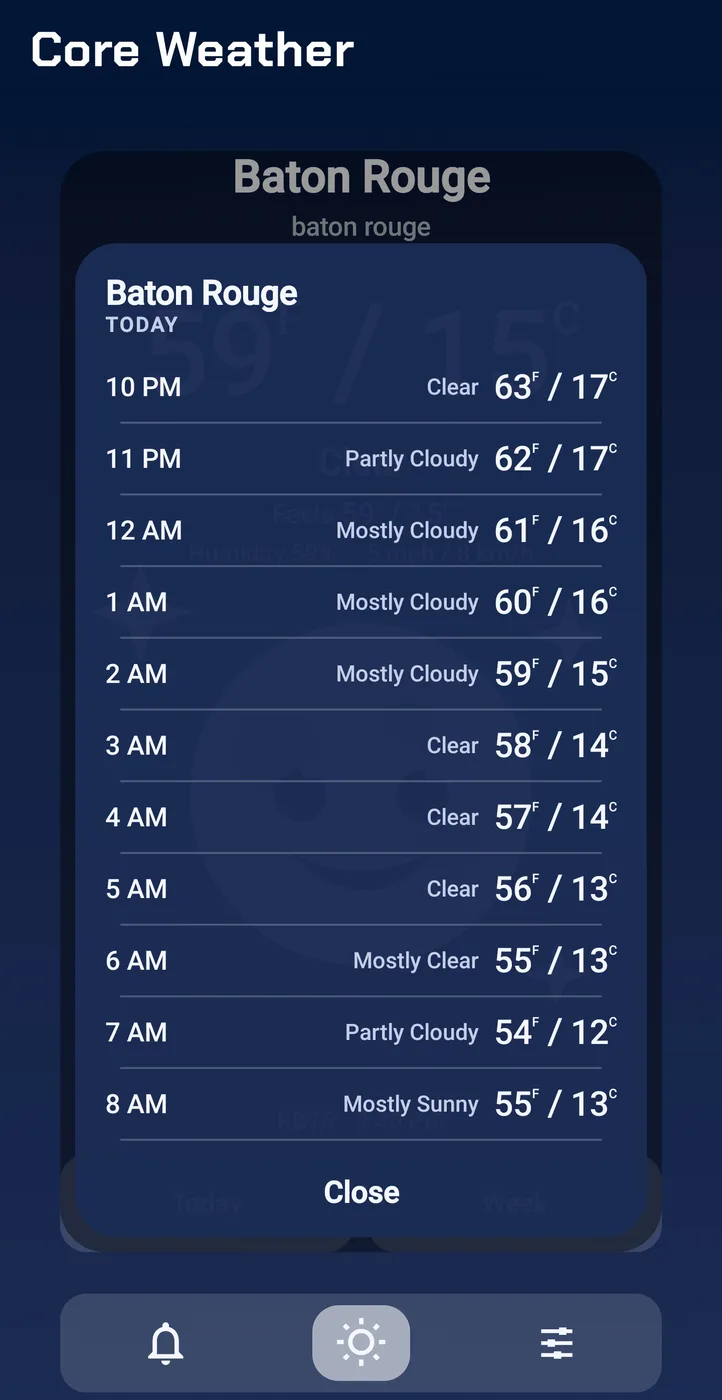
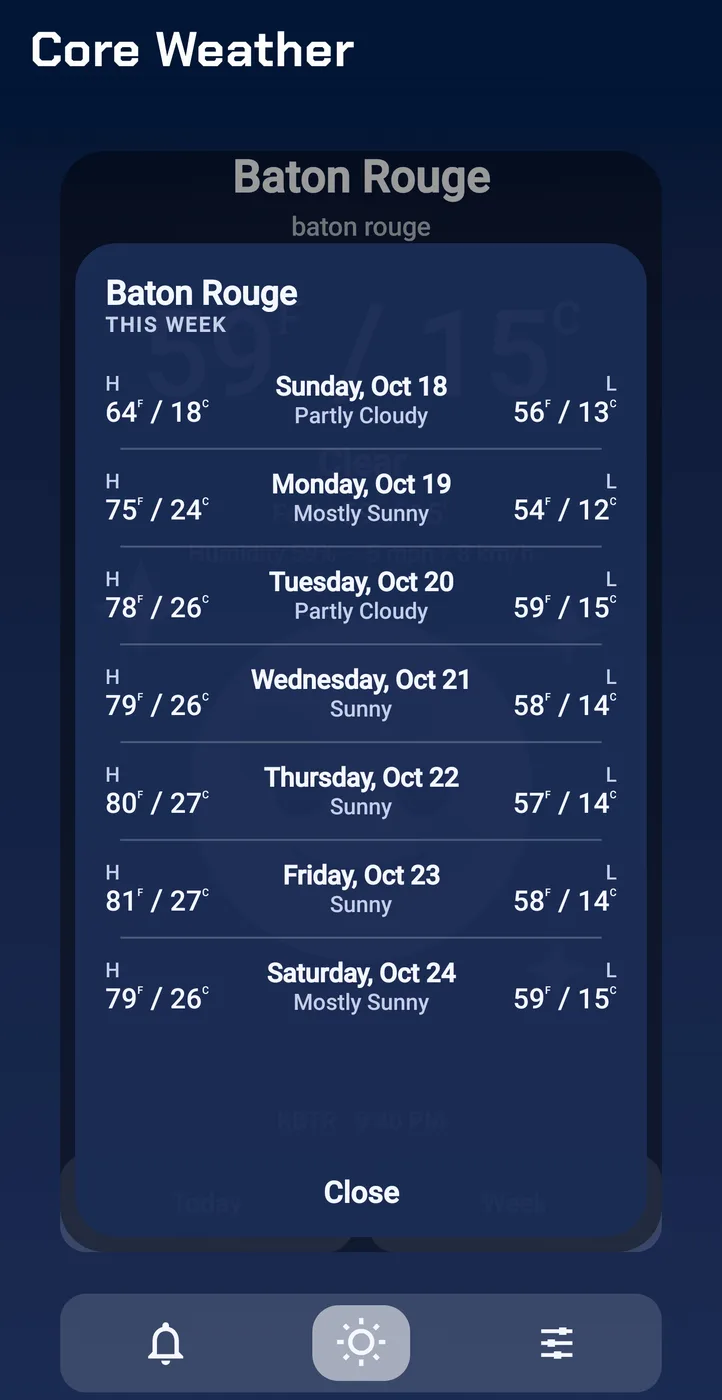
- Hourly and Daily Forecasts
- Dual °F and °C side by side, or one unit if you prefer
- Home-Screen Widgets, including wide Clock layouts
- Severe Weather Alerts for U.S. locations
- Tablet Support: runs on Android devices.
Forecasts come from MET Norway, and U.S. conditions and alerts come from the National Weather Service. The app needs the internet, and each service sees your device's IP address and the rounded location it is asked about.
Free forever.
By Core Products & Services, LLC.
Weather disclaimer
Forecasts, observations, and alerts come from third‑party weather services and may be delayed, incomplete, or wrong. Core Weather and Core Products & Services, LLC do not guarantee accuracy and are not liable for decisions made using this information. For life-threatening weather, follow official local emergency guidance; do not rely only on this app.
Core Weather is a consumer weather app, not an official emergency alert system. Severe notices depend on provider coverage (National Weather Service, U.S. locations only) and your notification settings.
Core Scan
Offline Document Scanner. No Subscription. No Cloud. No AI. No Ads.
No trial, $4.99 one-time purchase.
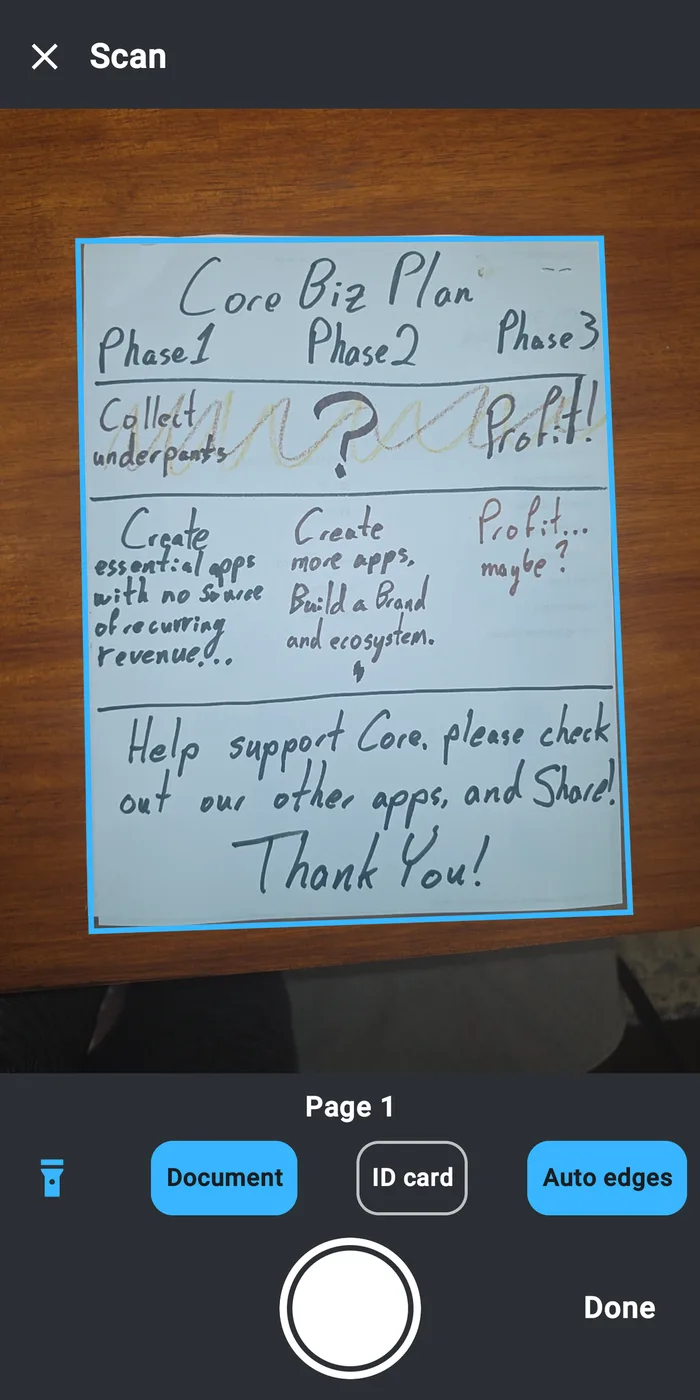
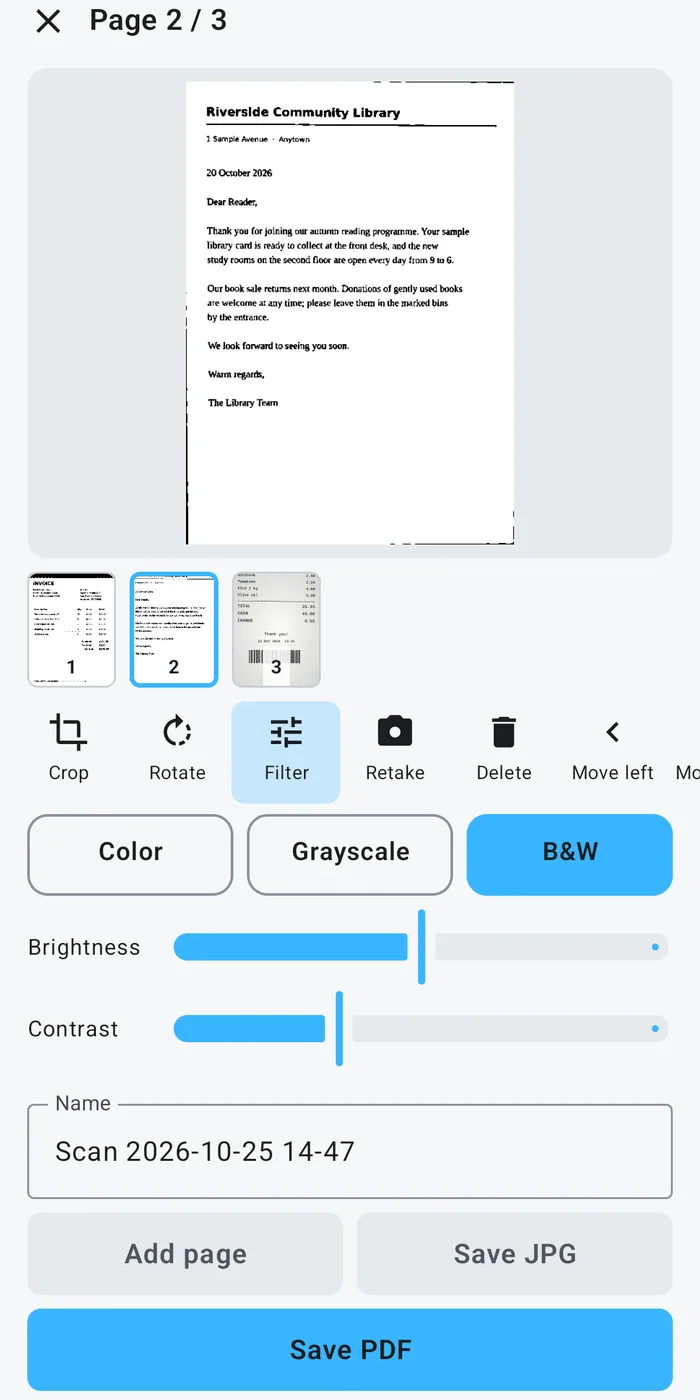
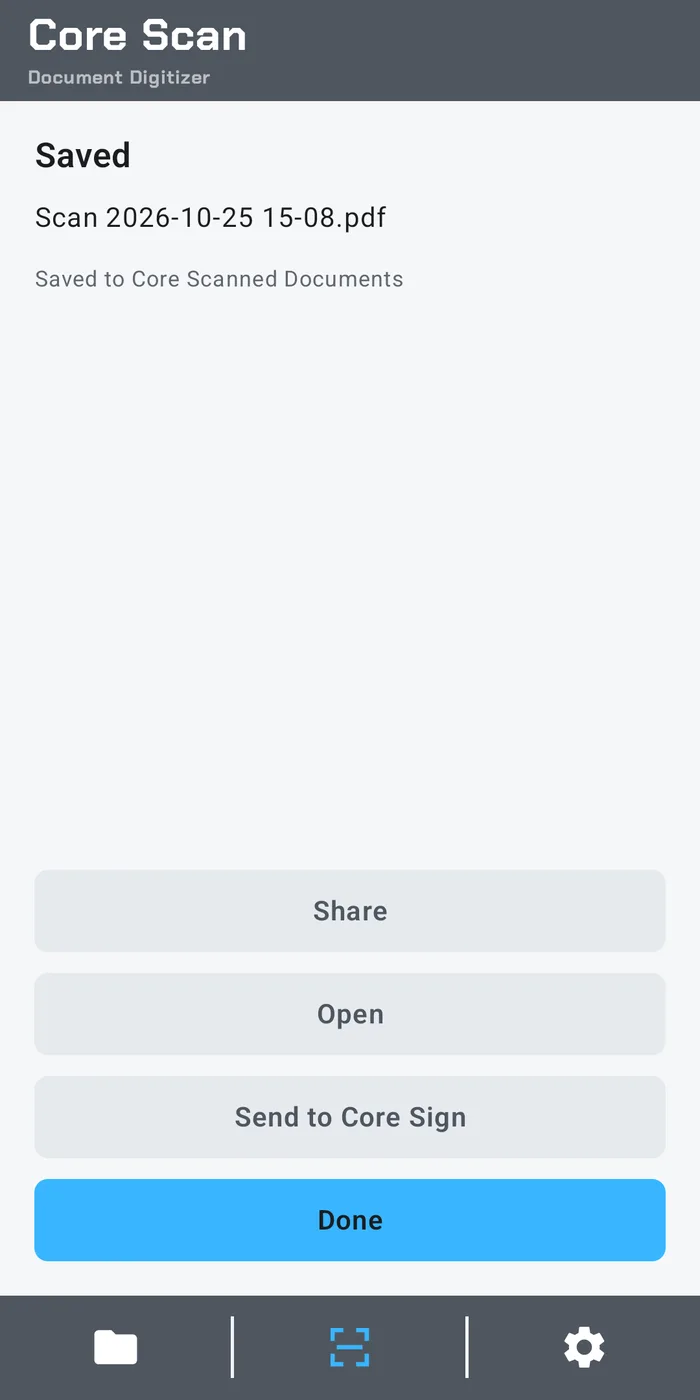
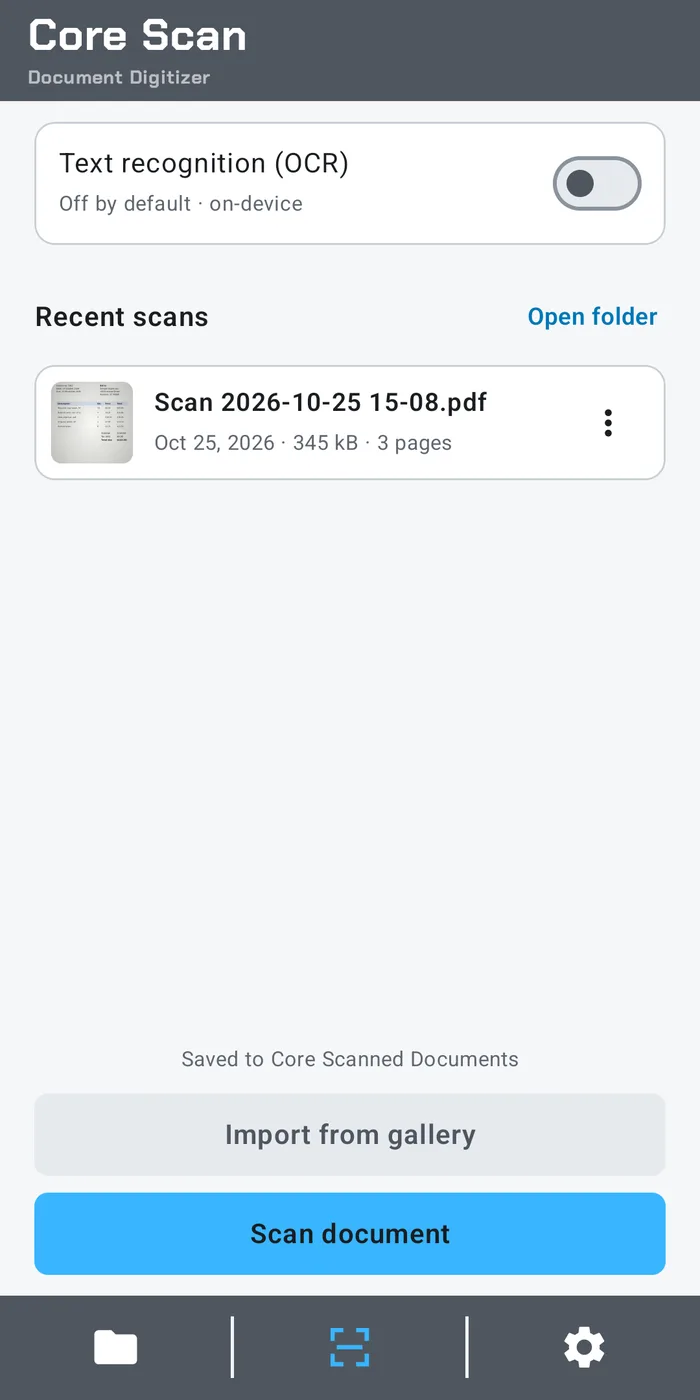
Core Scan is a Document Digitizer: it turns paper pages into flat, clean PDFs. Scans save as plain files in Documents › Core Scanned Documents on your device, where any app can open them.
What you get:
- Auto Edge Detection: finds the edges of your page on your device
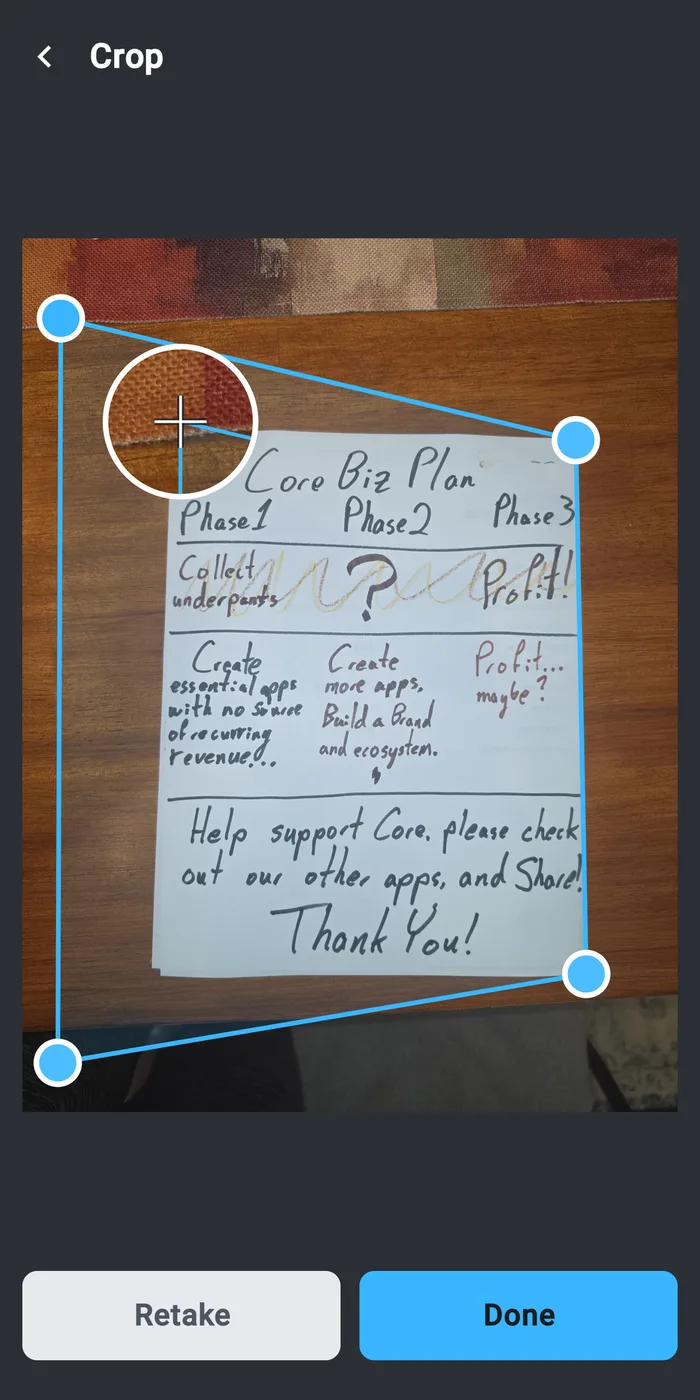
- Adjustable Corners: drag each of the 4 corners to fine-tune the crop
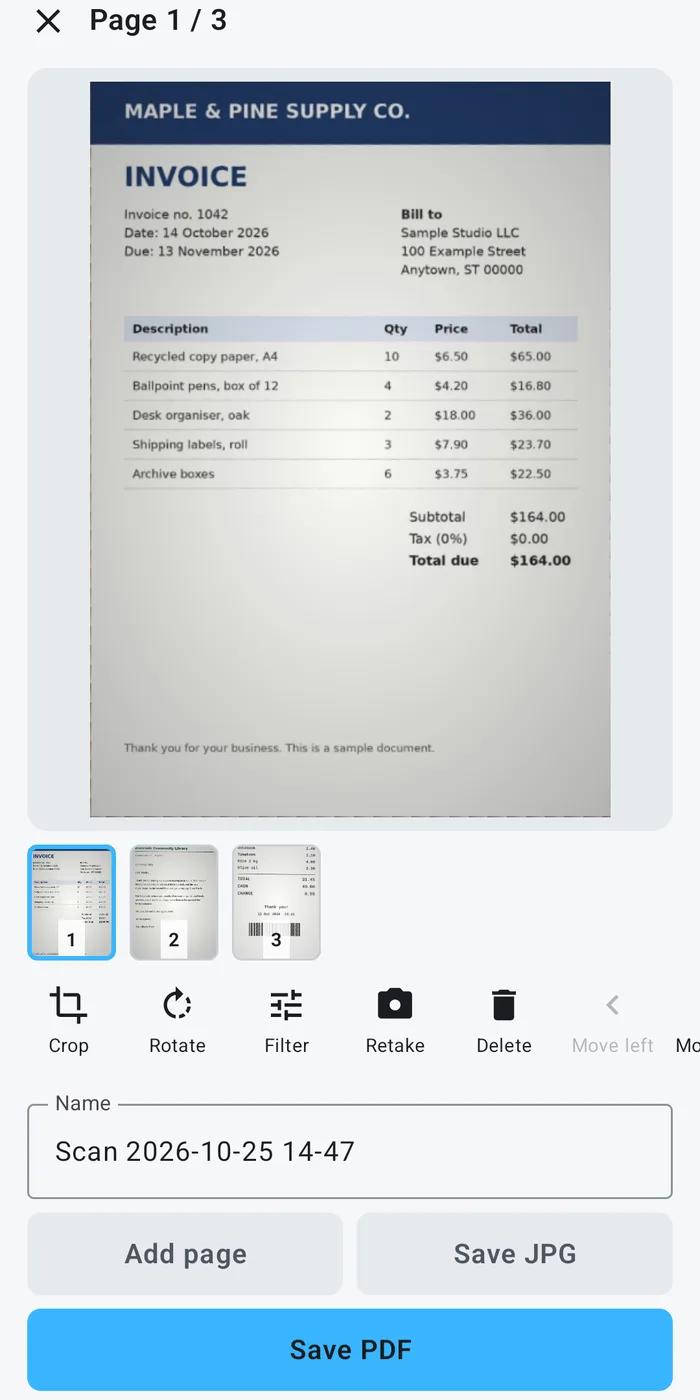
- Multi-Page PDFs, with Reorder, Rotate, Retake, and Delete
- Color, Grayscale, and B&W Filters, plus Brightness and Contrast
- ID & Medical Card Mode: front and back on one page
- File Size Presets: Small, Standard, and High
- Import from Gallery
- Save as PDF or JPG, and Share
- Send to Core Sign (a separate app) to fill, mark up, and sign
- OCR: optional on-device text recognition in 23 languages, off by default. Nothing leaves your device.
- No Watermark and No Page Limits
- Tablet Support: runs on Android tablets as well as smaller Android devices.
No Tracking. No Account. No Internet Access. No AI Inside.
Core Gallery
No trial, $2.99 one-time purchase.
Works offline, with no internet connection needed.
- Create Zips: zip selected photos or whole albums directly in Core Gallery.
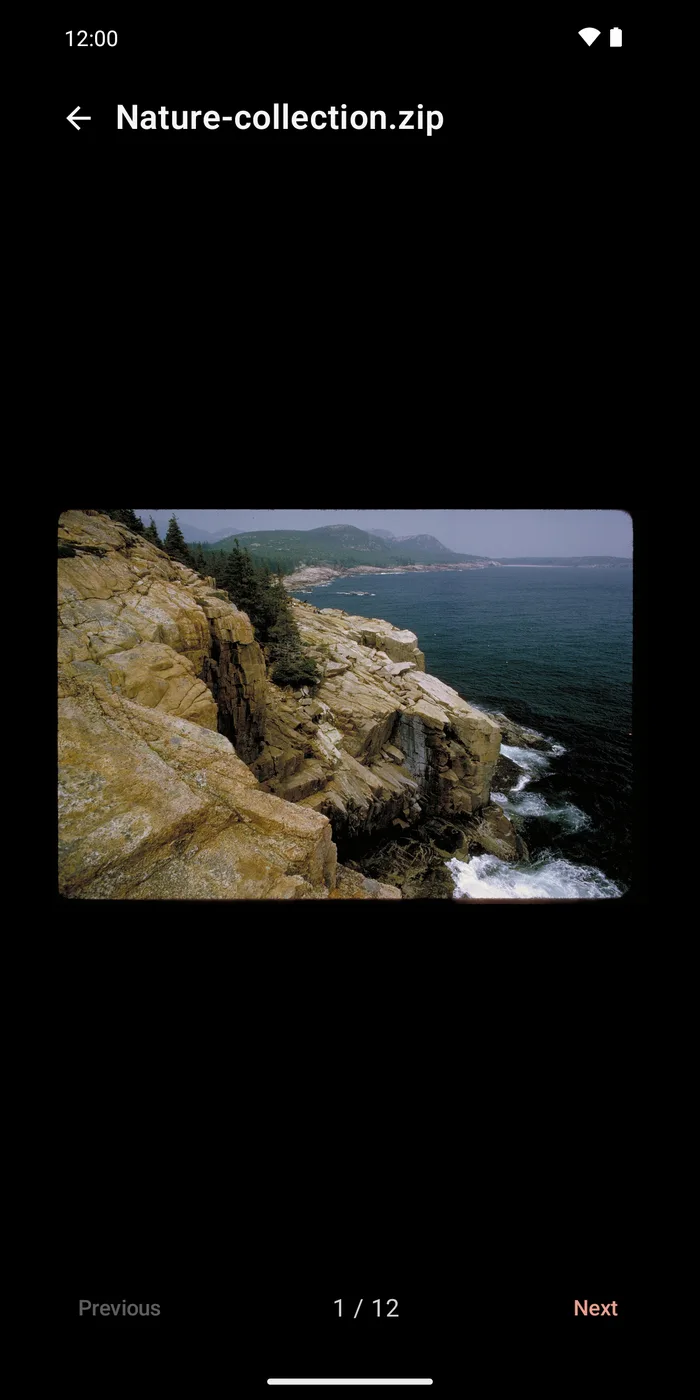
- Browse Zips: view the pictures inside any zip placed in Core Gallery's Zips folder.
- Vector Viewer: open SVG files alongside your photos.
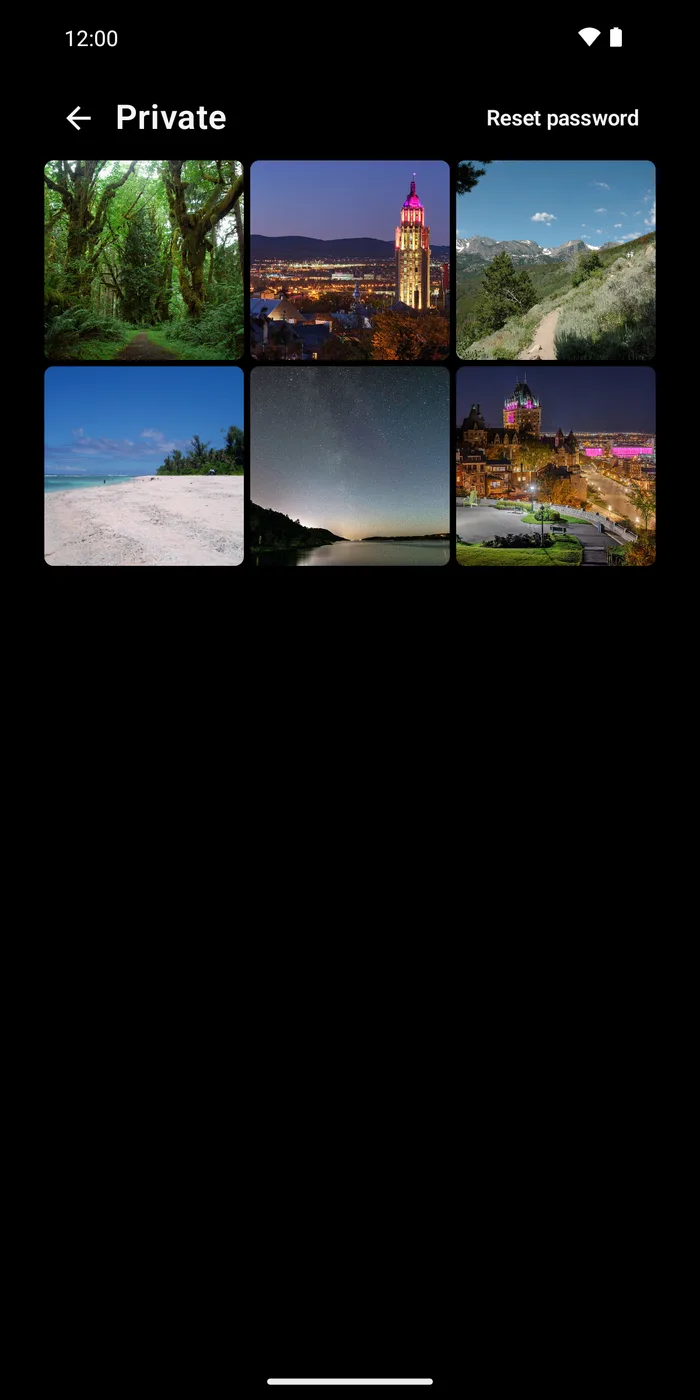
- Encrypted Vault for pictures you want kept apart.
- Tablet Support: runs on Android devices.
No Cloud. No AI inside. No Tracking or Analytics. No Third‑Party Ads.
Trio Live Wallpapers
Trio Live Wallpapers: GIFs, Videos, Slideshows.
No trial, $4.99 one-time purchase.
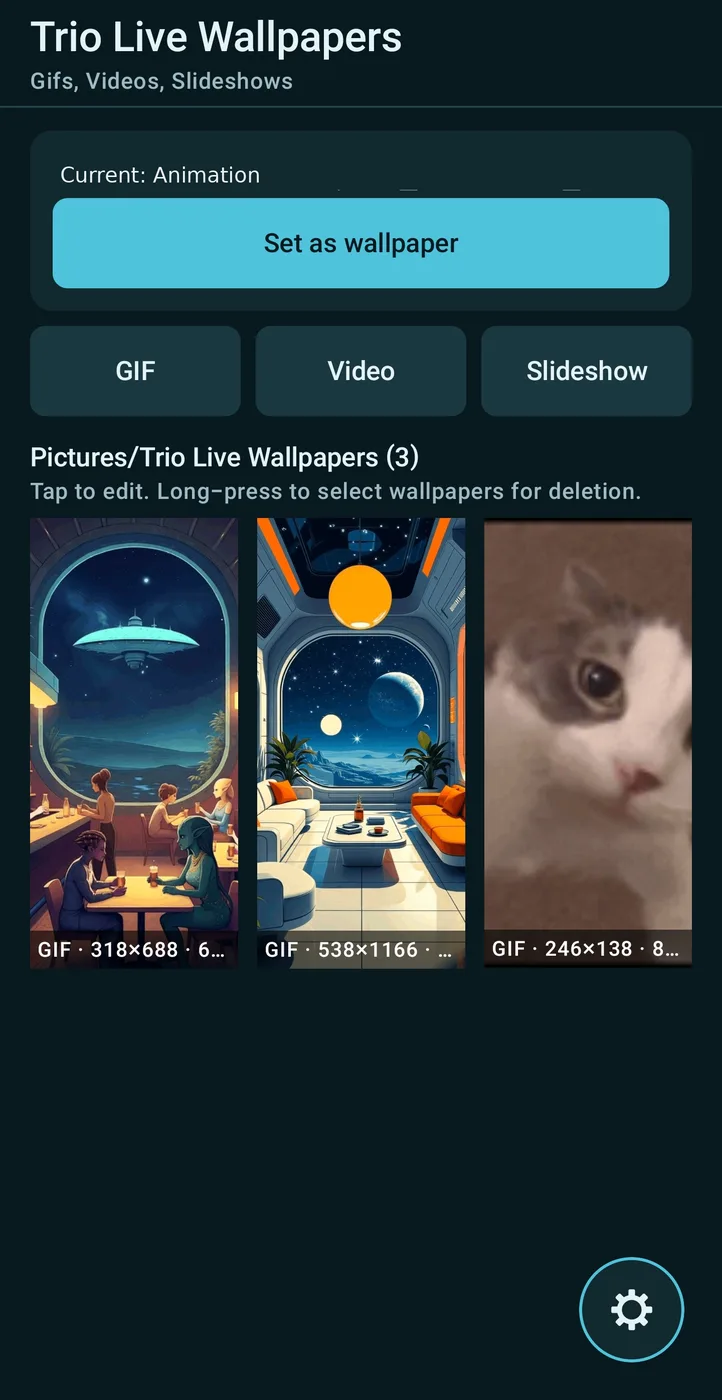
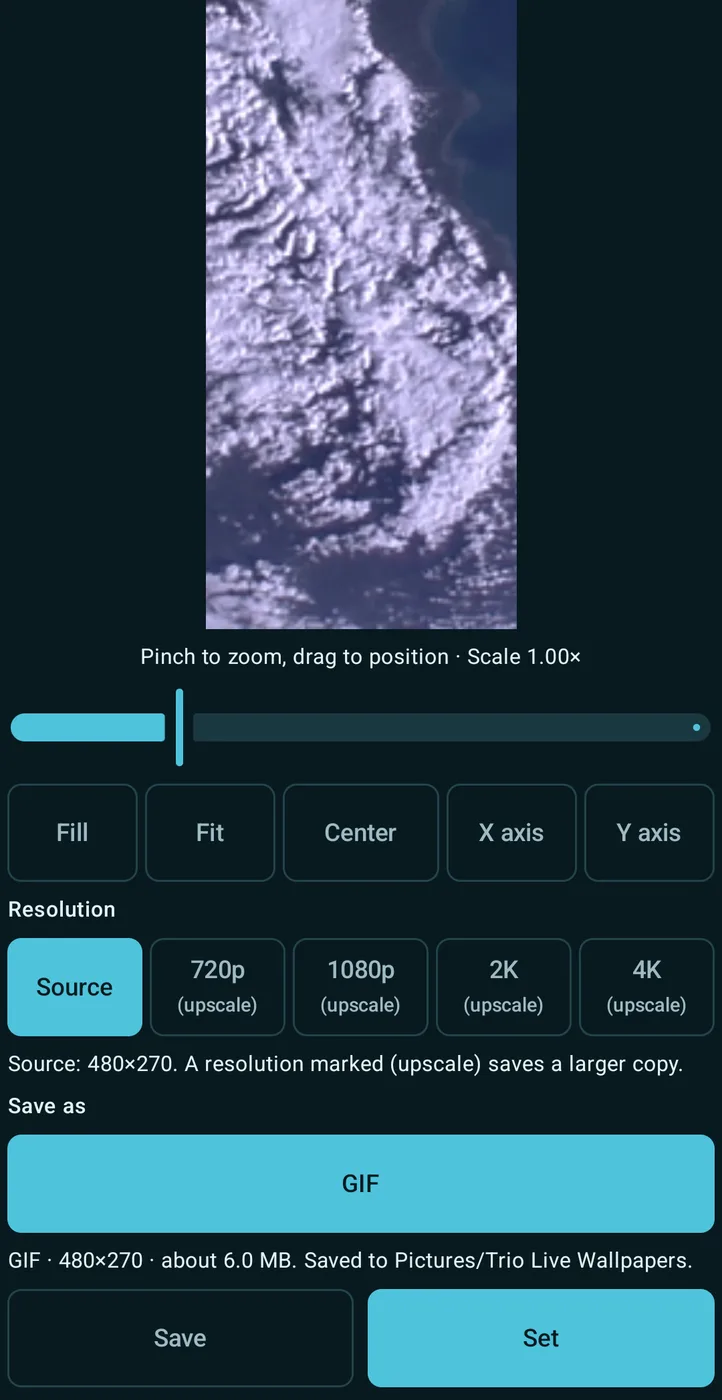
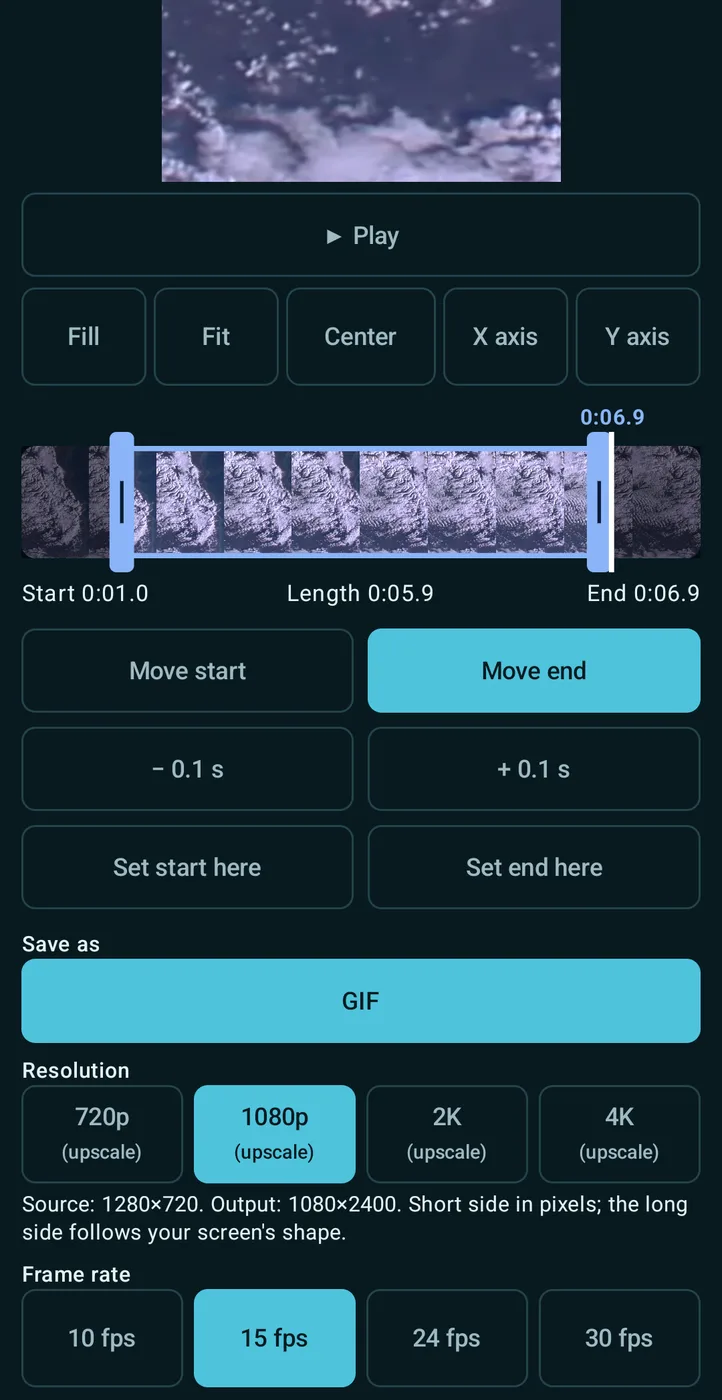
All 3 major types of animated wallpapers in 1 app! Easy file navigation.
Set your GIFs, videos, and photo slideshows as live wallpapers. Works offline, with no internet connection needed.
GIF
Import a GIF and it plays as a looping wallpaper. Pinch to zoom, and lock panning with X Axis or Y Axis.
VIDEO
Pick a video, trim it to as long as 45 seconds with the filmstrip, and lock panning with X Axis or Y Axis. It plays as a looping wallpaper with no sound. Due to overheating on some devices, all videos will be converted to GIF. Conversion can take several minutes, depending on the size of the file and scaling.
SLIDESHOW
Pick a photo folder. Trio reads it in place and never copies it, and new photos you add to the folder join the show. Change photos every 3 seconds up to every 24 hours. Turn on Shuffle, and pick a transition: Crossfade, Fade Through Black, Slide, Slide Up, or Zoom.
YOUR WALLPAPERS
Saved wallpapers go to Pictures/Trio Live Wallpapers, where your gallery app can see them. Copies in Pictures stay after you uninstall Trio unless you delete them. After a reinstall, tap Find saved wallpapers to list them again. The file you pick is copied; your original is never changed.
BATTERY
Live wallpapers use more battery than a still image. Animation pauses whenever the wallpaper isn't visible.
PRIVACY
No internet permission. Trio itself never sends anything from your device. The purchase check is made by Android's Google Play Store app. No third‑party ads. No tracking or analytics. No account.
The first time you open Trio, it checks your Google Play purchase; the wallpaper stays blank until then. After that, it works offline.
- Tablet Support: runs on Android devices.
Requires Android 13 or later.
By Core Products & Services, LLC.